Designing a Smart Gardening System for Beginners
Scope & My Role
Team Project
UX/UI
Mobile App Design
Team Member
Yeon Ko
Bryana Lee
Timeline
2021, 7 Weeks
2025, 7 Weeks
Software Used
Figma
Adobe Illustrator
Home gardening is a hobby that many people enjoy, and in recent years, its popularity has jumped, largely due to the COVID-19 pandemic. During lockdowns, and stay-at-home orders, people started to spend their time taking care of plants to connect with nature, relieve stress, and even secure food supply. However, new gardeners often face challenges understanding each plant’s unique requirements and need guidance on how to properly care for their plants.
Due to the rise in beginner gardeners, our team decided to explore ways to help people form a meaningful, emotional connection with their plants and provide a simplified yet enriching gardening experience that makes plant care easy and enjoyable while ensuring that plants receive the best possible care.
I interviewed a mix of beginner, intermediate, and expert gardeners to explore beginner-specific pain points and identify potential user goals that emerge with experience.
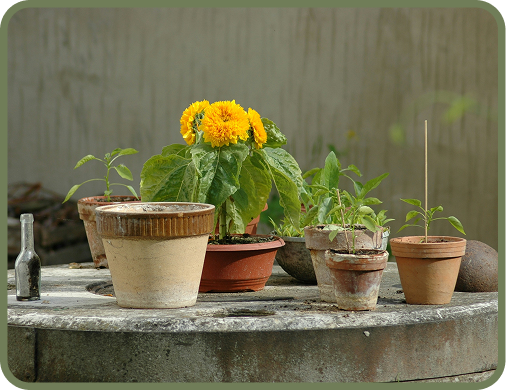
Setting up the right environment for plants is challenging
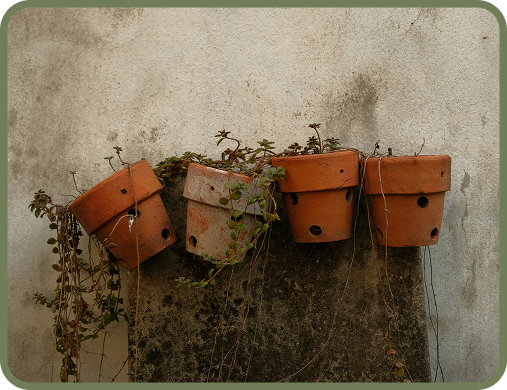
Hard to form a meaningful connection with the plant
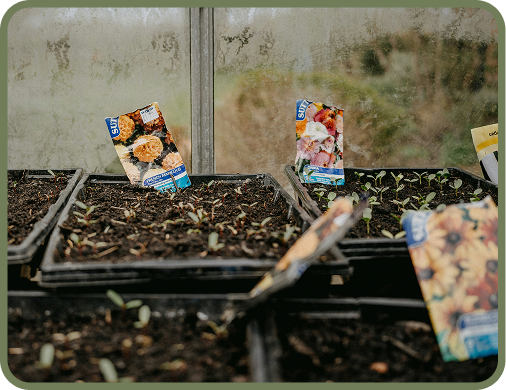
Don’t have enough information about a specific plant
To reduce the pain points effectively, I researched many different products that already exist to solve the pain points, but found that it doesn’t work as effectively.

PlantSnap

Uses AI to identify plants and provides plant care guides

Lacks real-time and plant specific care guides making it hard to understand each plant’s unique needs
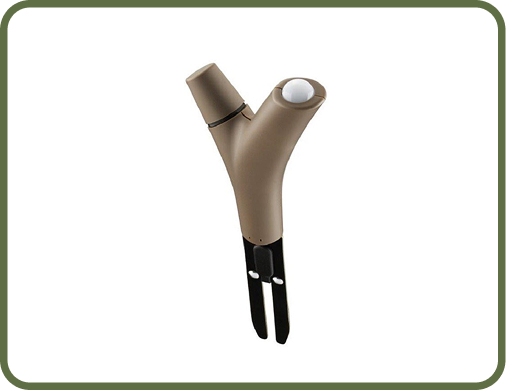
Parrot Flower Power
Connects a smart device for real-time condition checks
Only provides general care tips, which can limit its support and usefulness for beginners

Florish
Helps users track watering, sunlight and fertilizing needs
Care instructions are broad and not unique to each plant, which is less effective for beginners
With the user interview insights and competitor analysis, I thought of crucial features that were needed for beginners when gardening.
AR Environment Scan Features for New Plants
Fun Visualization of Plants and Real-Time Reminders
AI-Powered Identifier with Reliable Plant Database
I began by mapping out the user experience through low- to mid-fidelity flows and interfaces, focusing on the core interactions users would rely on most. These early prototypes allowed me to quickly test assumptions, observe how users navigated the experience, and identify friction points with a small group of users before designing in higher-fidelity
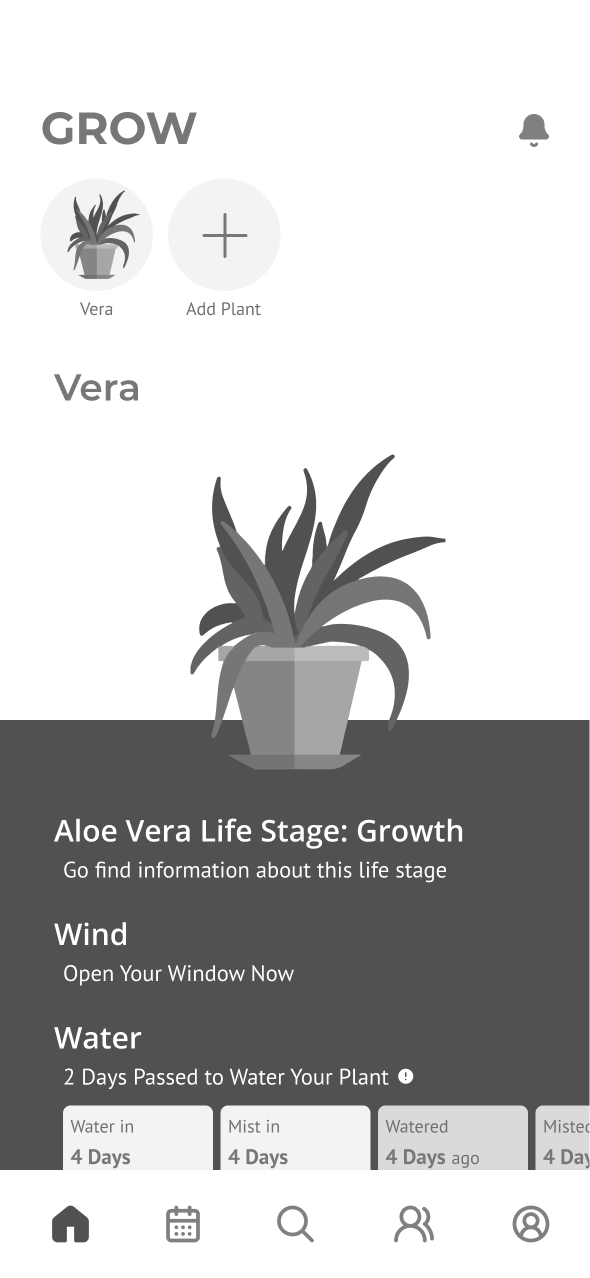
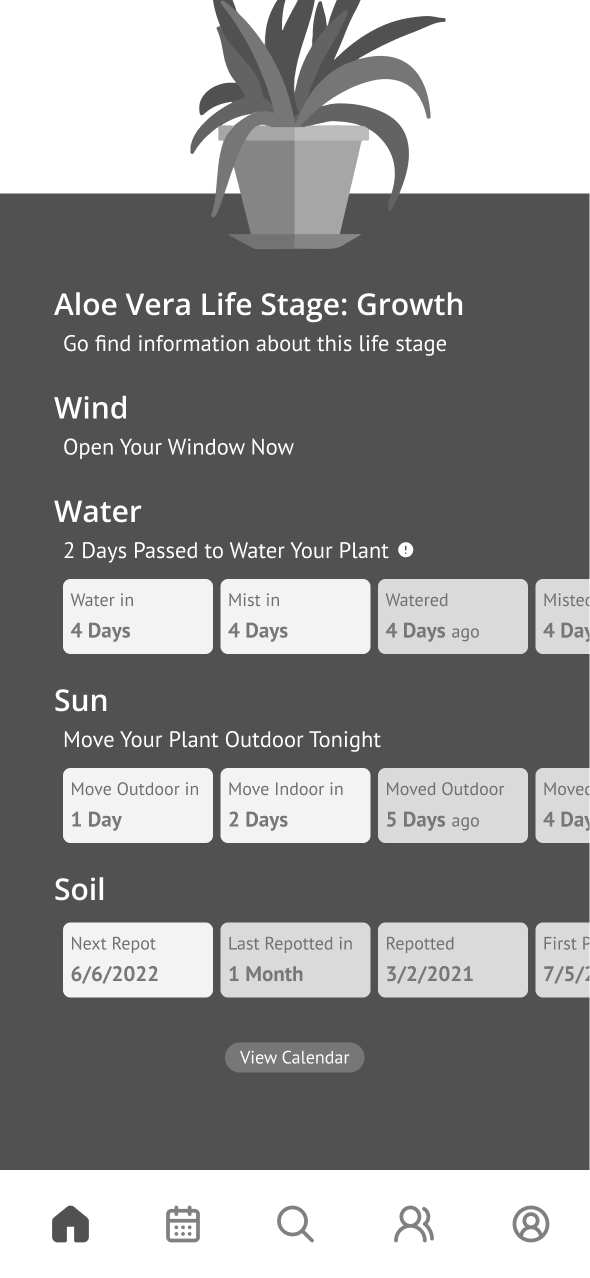
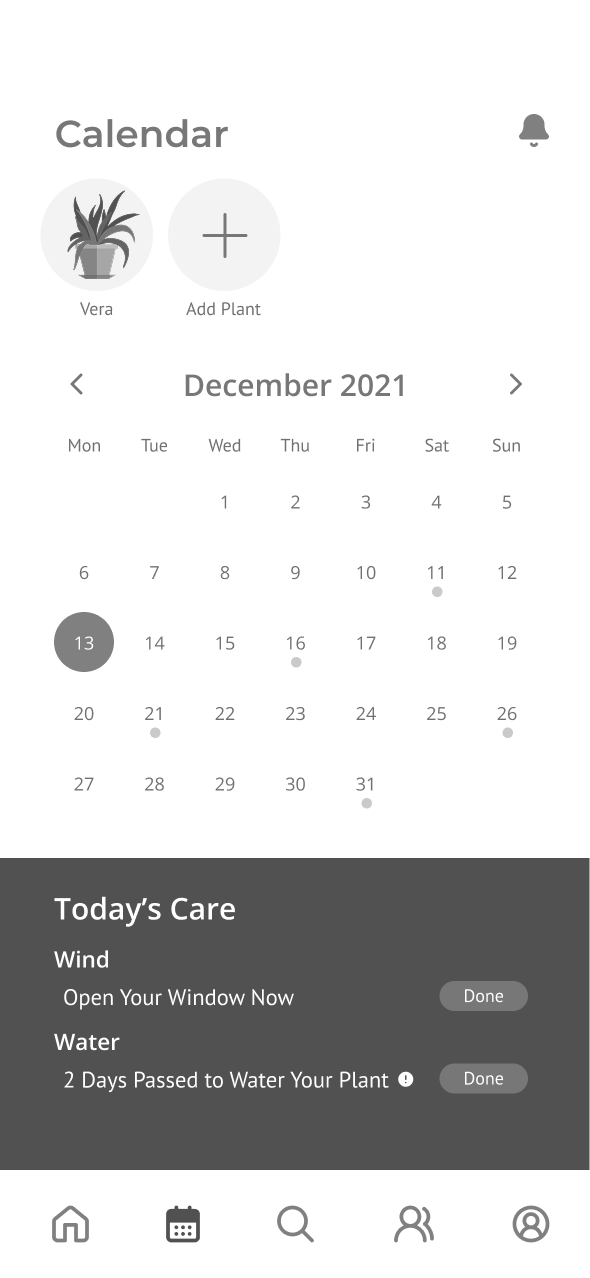
Plant Information and Care Schedule

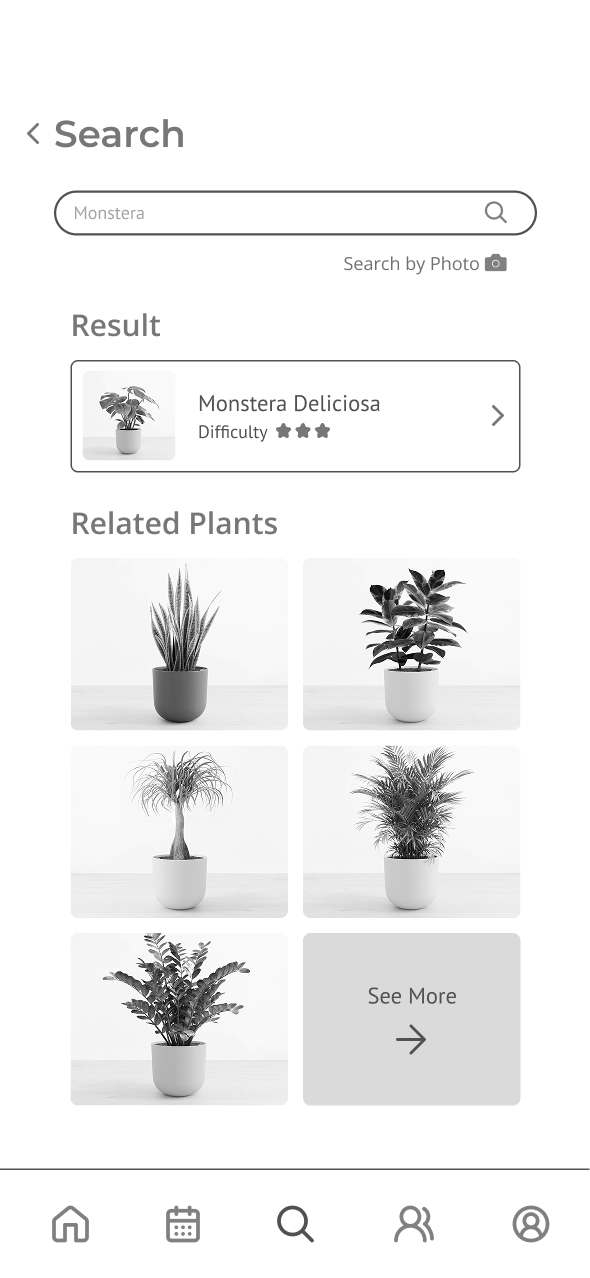
Search and Scan Plants
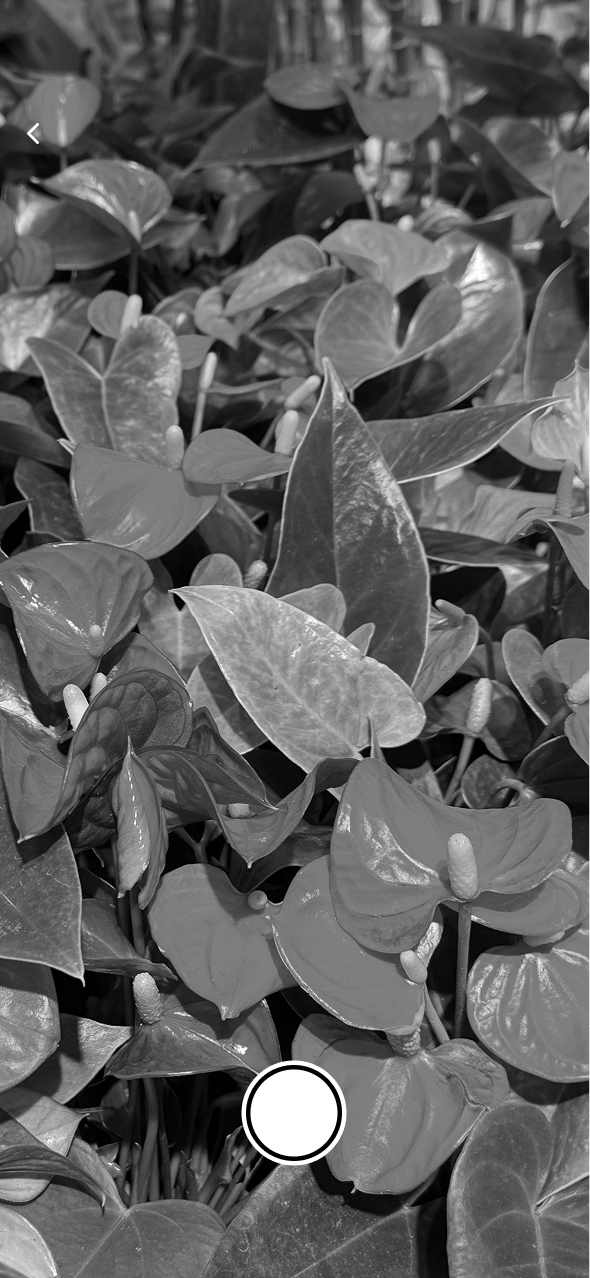
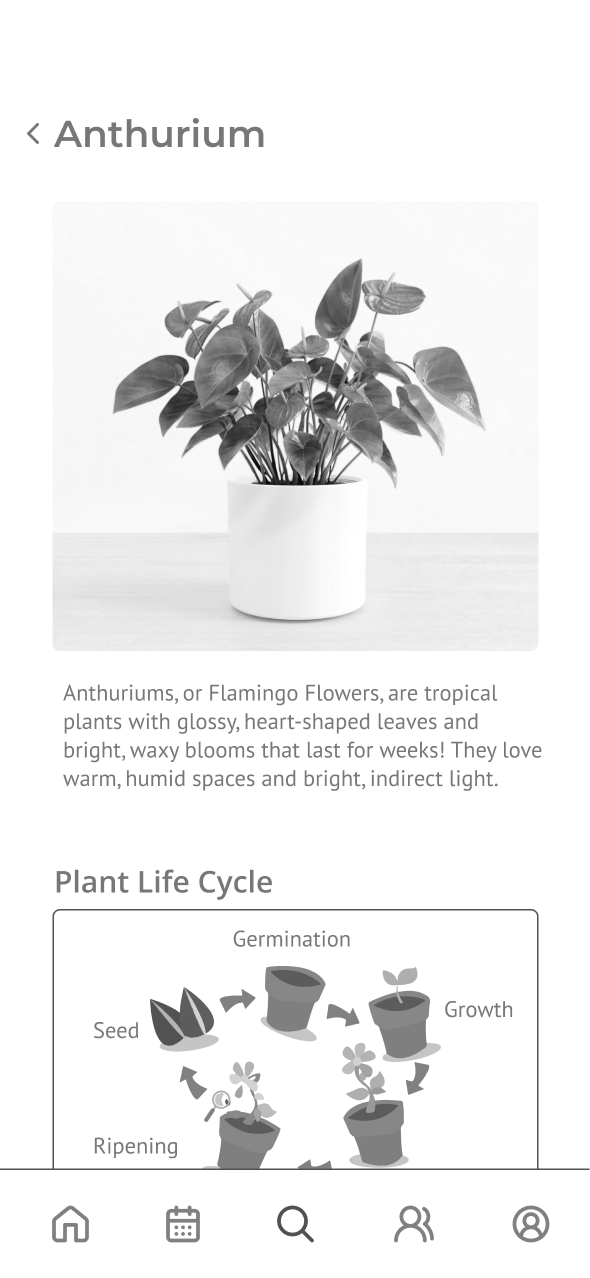
Add New Plant
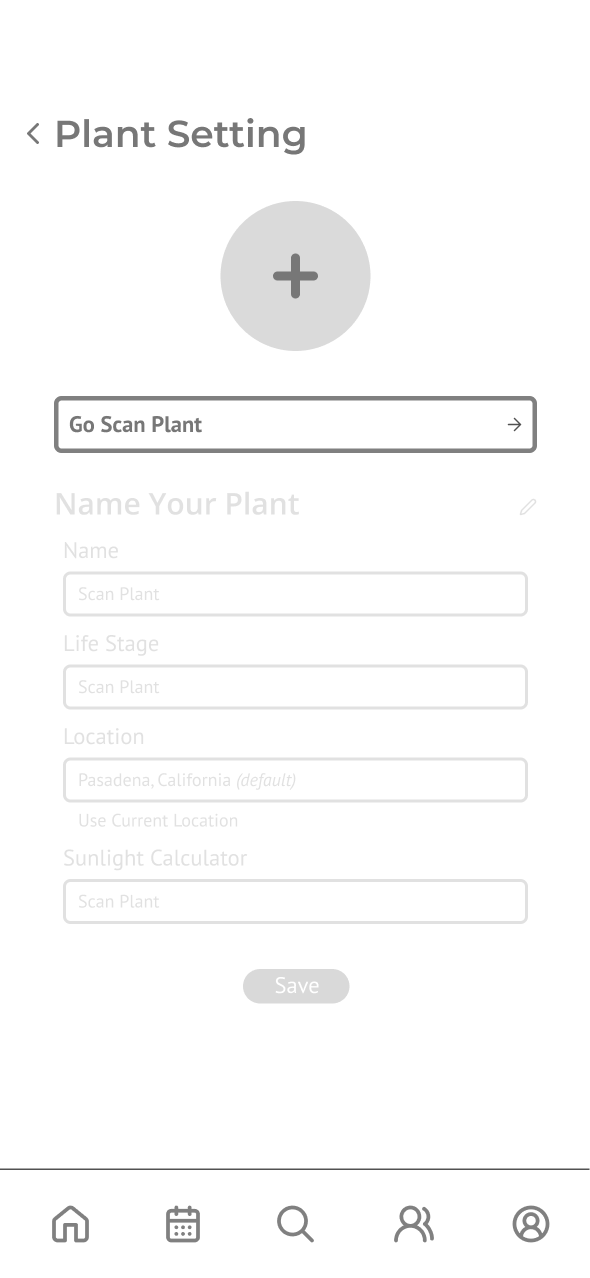
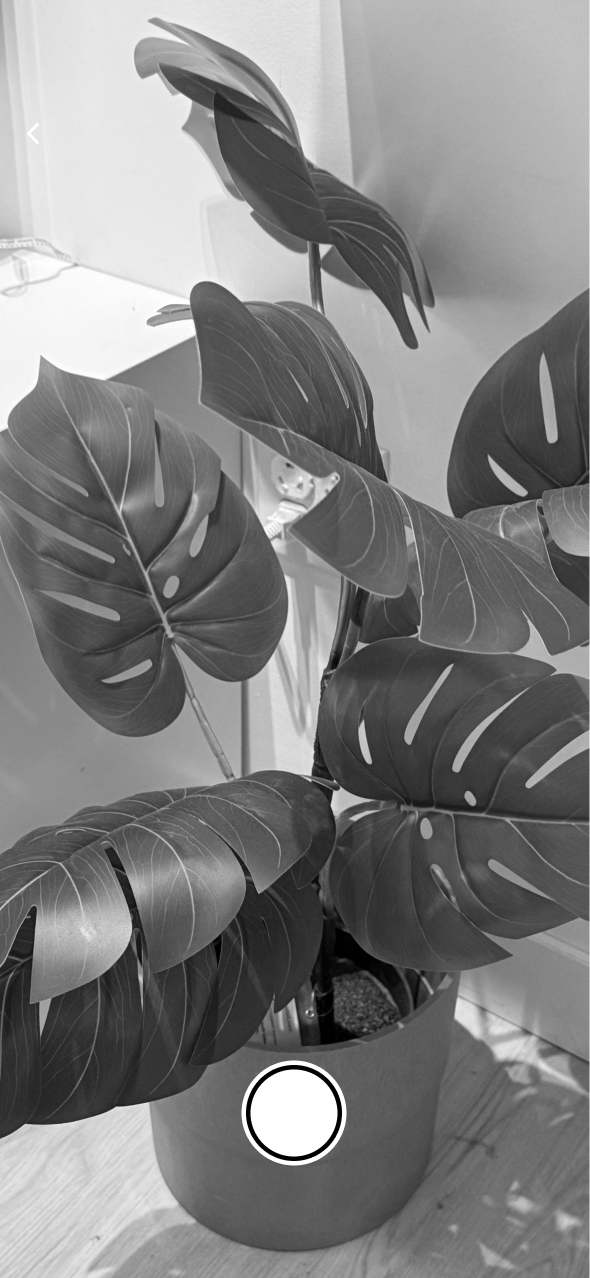
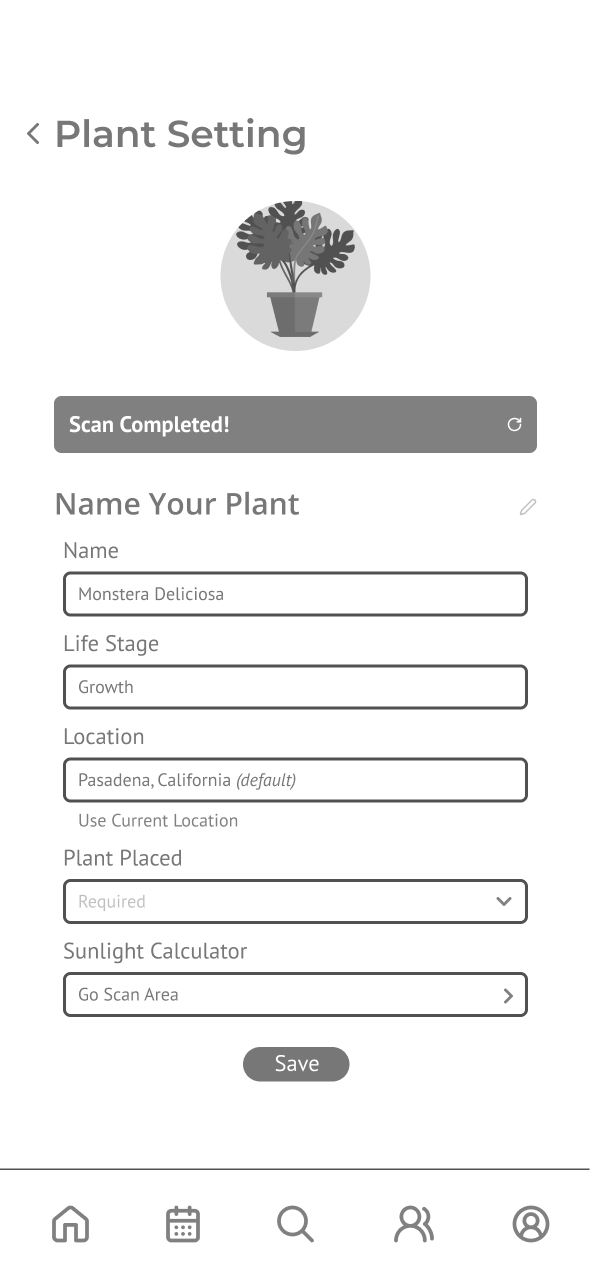
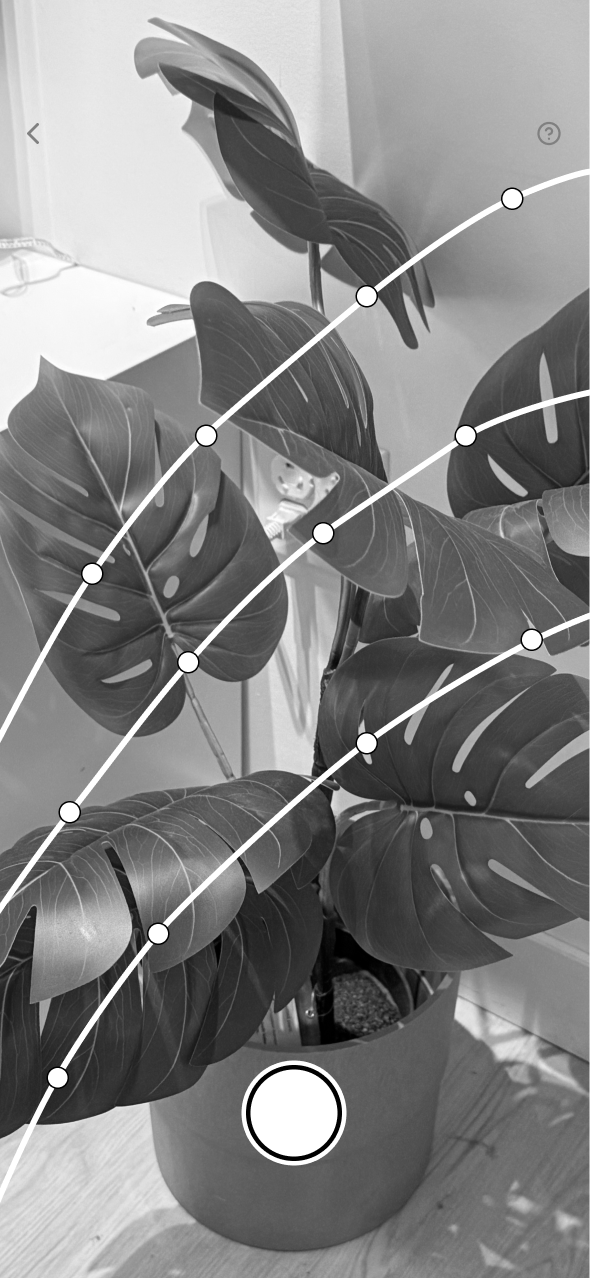
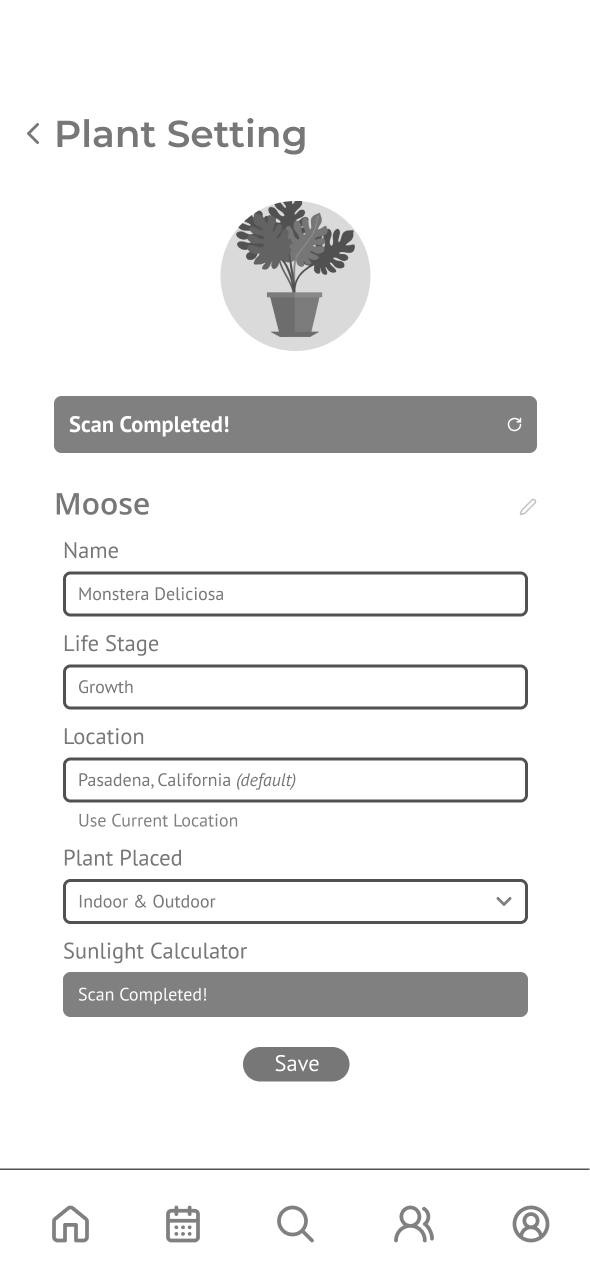
Through a couple of user testing sessions, I was able to identify where information was unclear and where more detailed data was needed to better understand plant conditions.
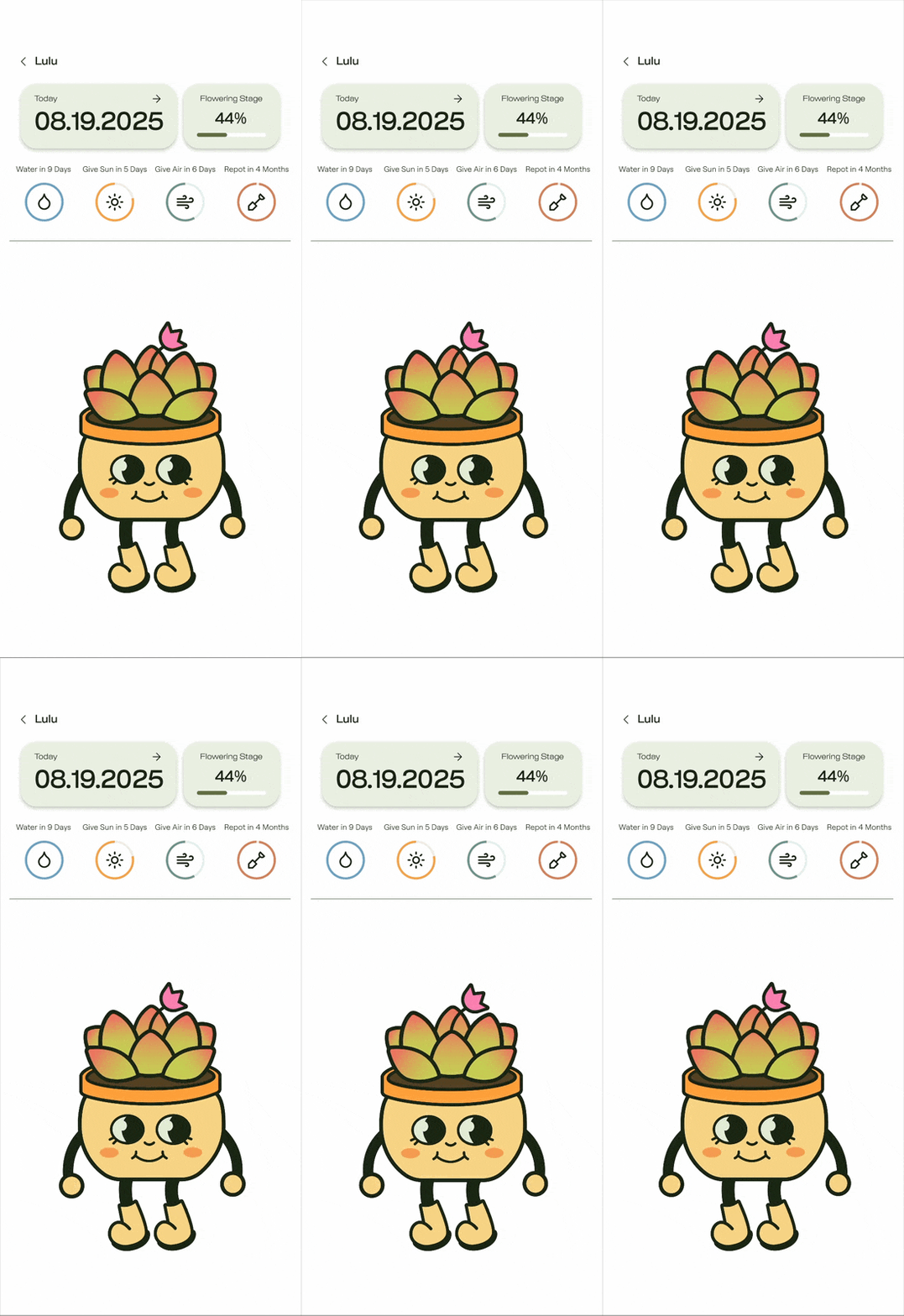
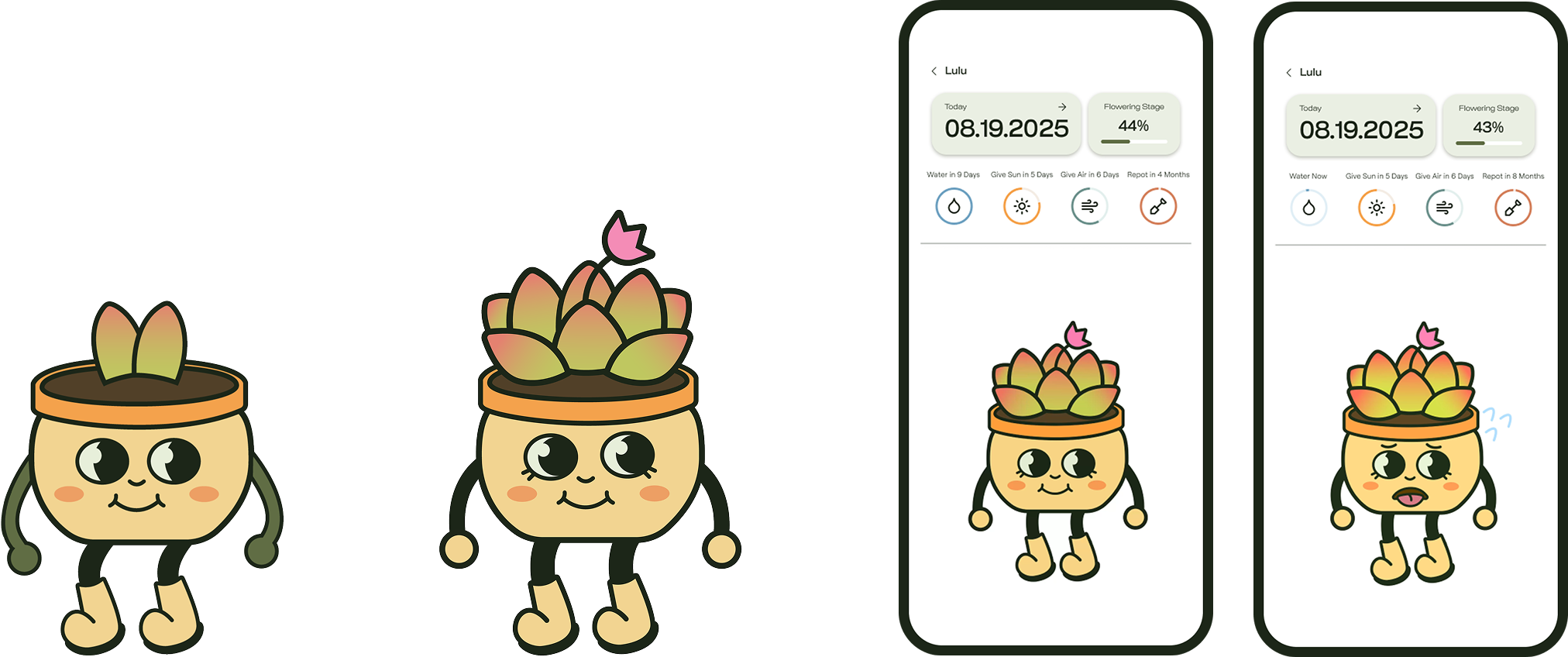
Users liked the idea of visualizing plants into a cute illustration but thought that it would be more helpful if the illustration showed more emotion for the users to actually connect with the plants
Users wanted more information about the plants and quick characteristics of the plants when they first browse for new plants rather than where they can buy the plant
Users thought that scanning the plant and environment separately was redundant and wanted the system to scan both at the same time
Based on insights from user testing, I recognized that plant illustrations and personification were essential for helping users quickly understand plant conditions. To strengthen this aspect of the experience, I collaborated with a motion designer to enhance the feature.
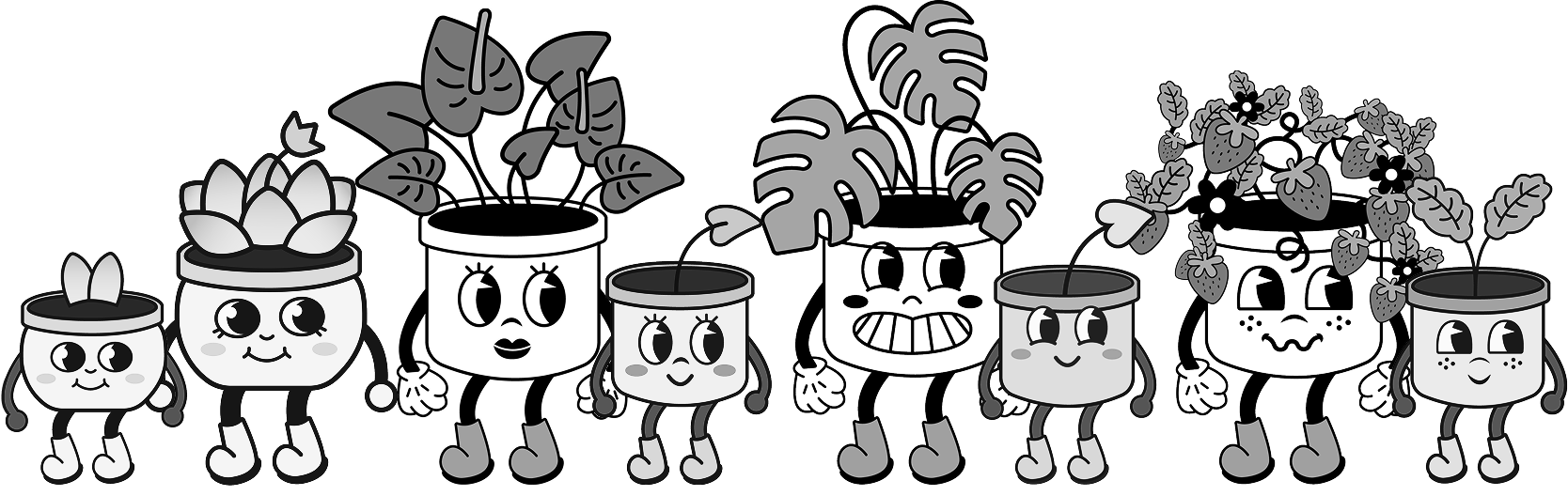
While developing the animated plant characters, I evaluated and prioritized feature opportunities using a MuSCoW (Must, Should, Could, Won’t) framework. This process helped shape and finalize the product’s user flow and information architecture.
Must Have
animated plant characters
AI-powered plant scan
mood-responsive reminders
reliable plant database
Should Have
AR environment scan
detailed plant descriptions
connected sensor stick
real-time monitoring
Could Have
home screen widgets
where to buy
plant recommendations
social sharing
Won't Have
local plant exchange
plant shop
user-generated tips
Q&A forum
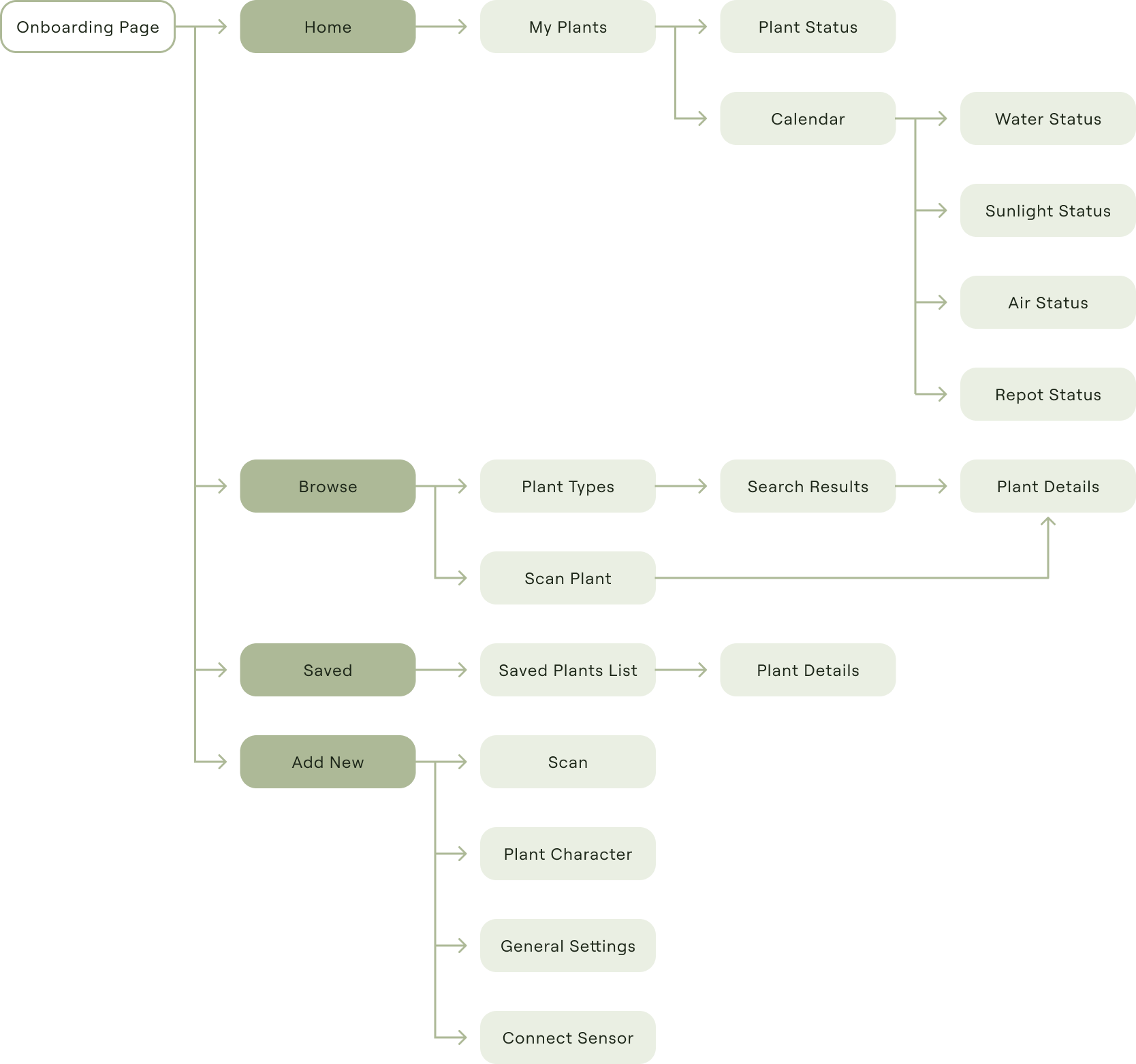
Browse/Search Plants
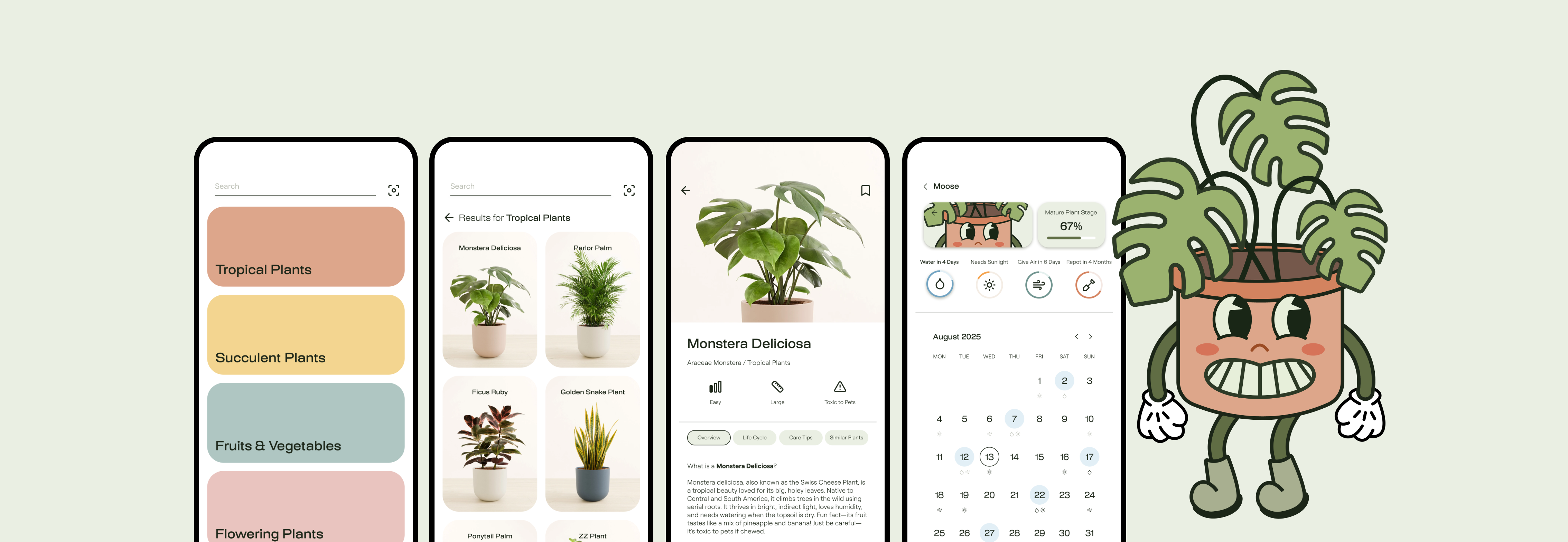
Easily lists plants by category or name for users to browse and discover new ones, and allows users to search for an existing plant in real life using photo scan and add it to their saved plant collection.
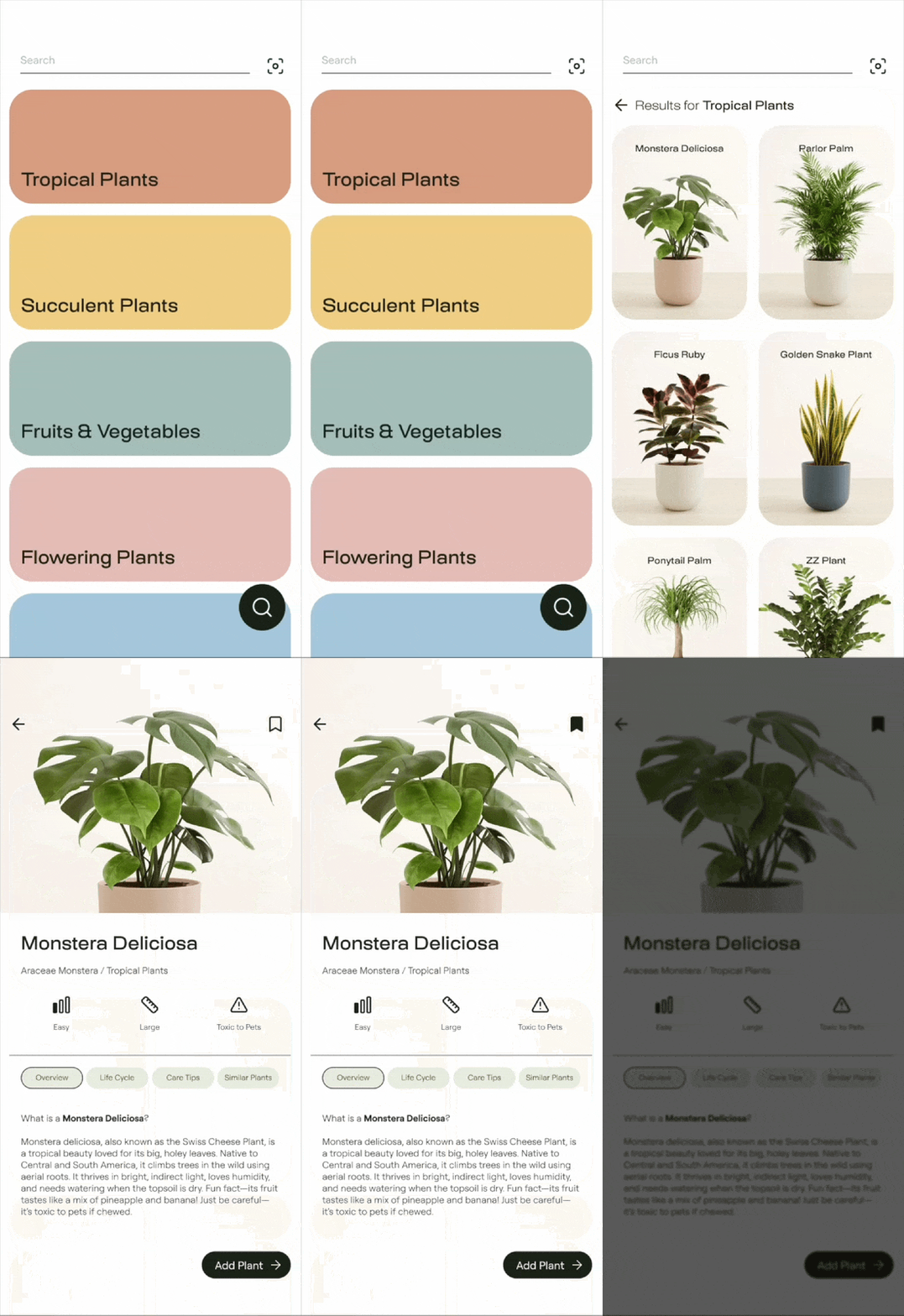

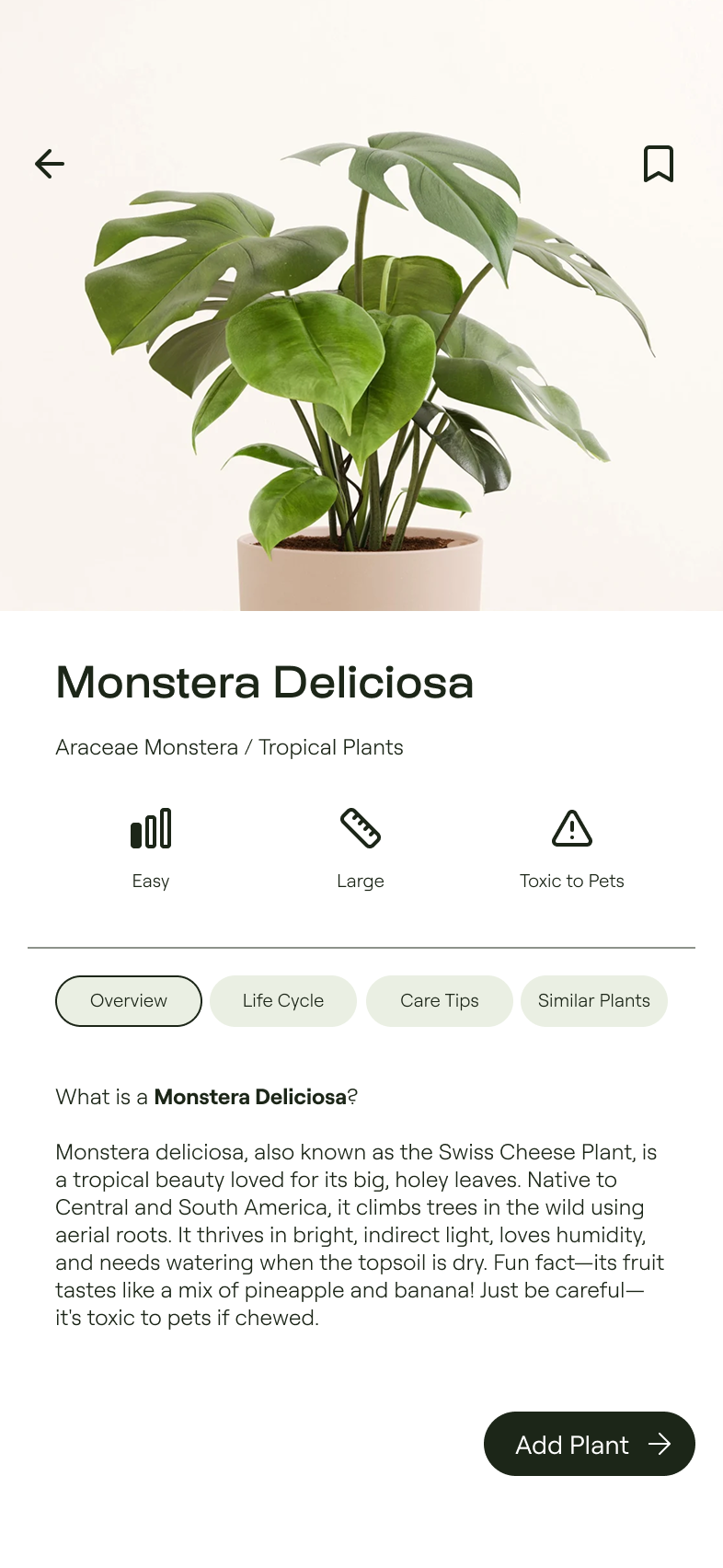
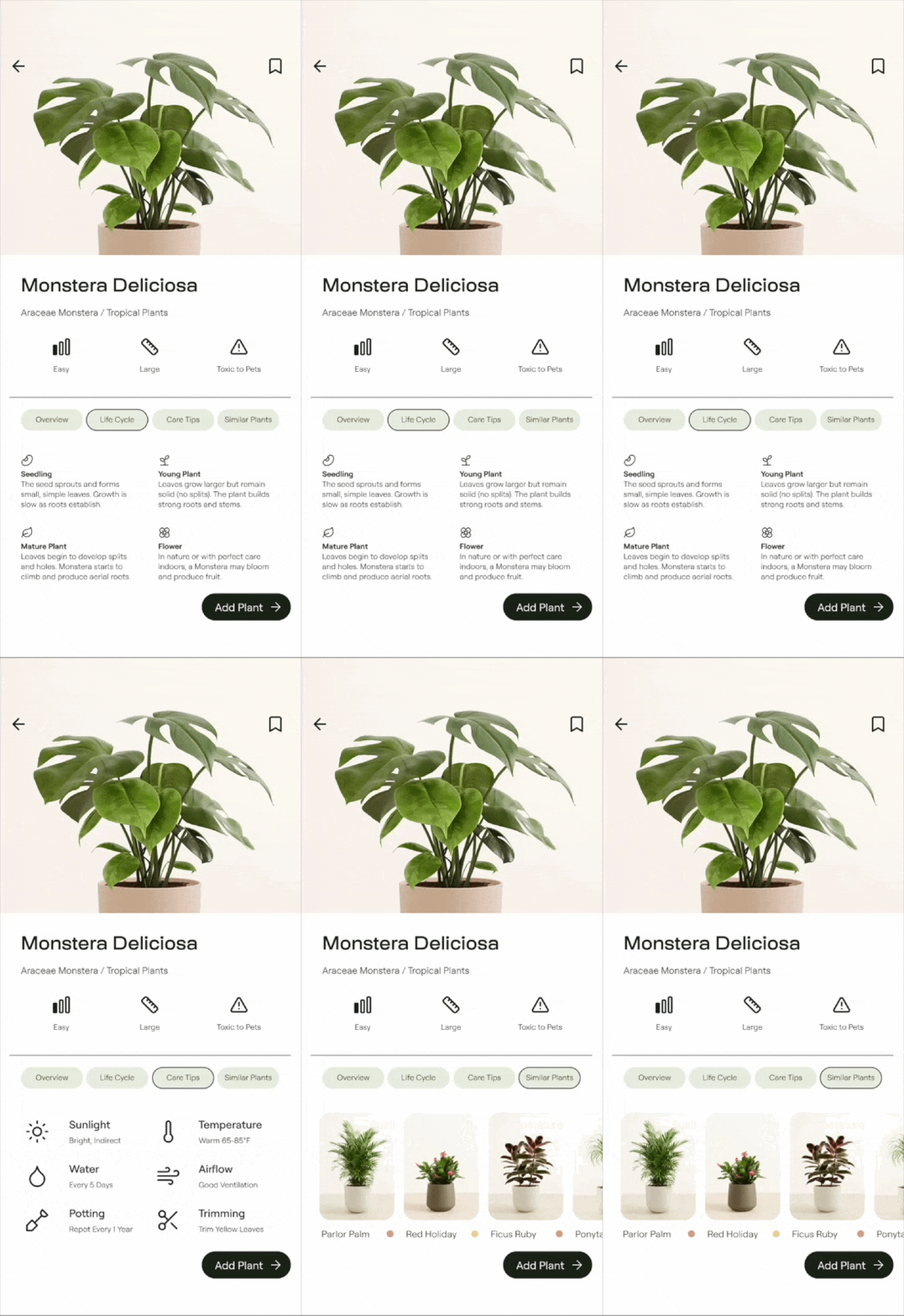
Plant Information
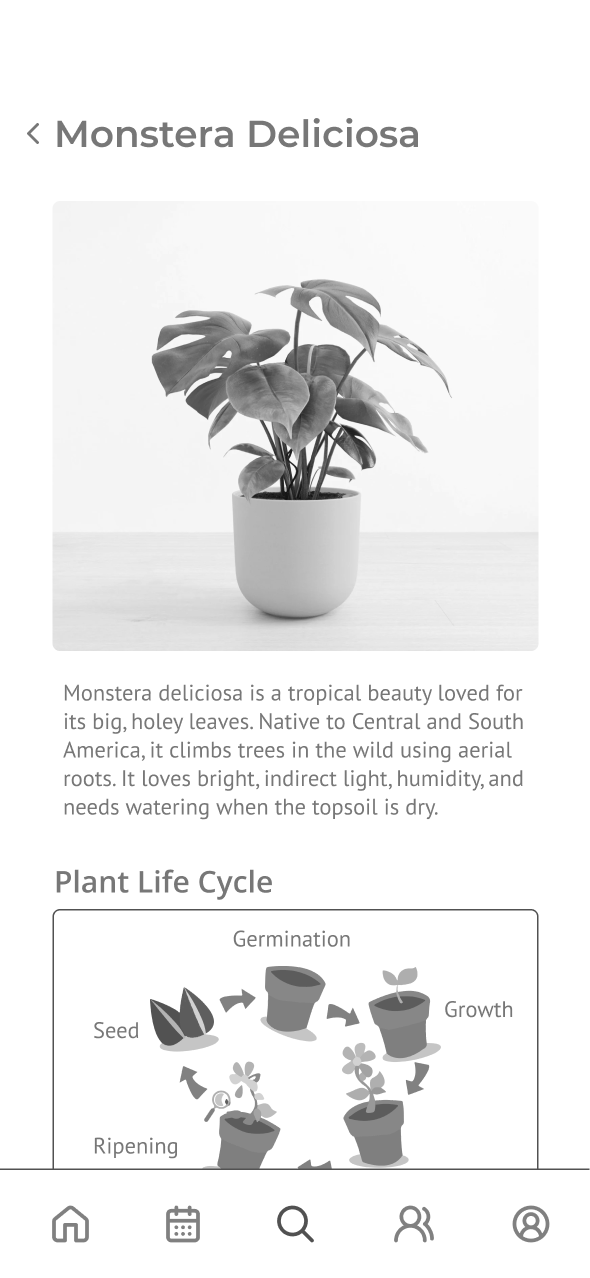
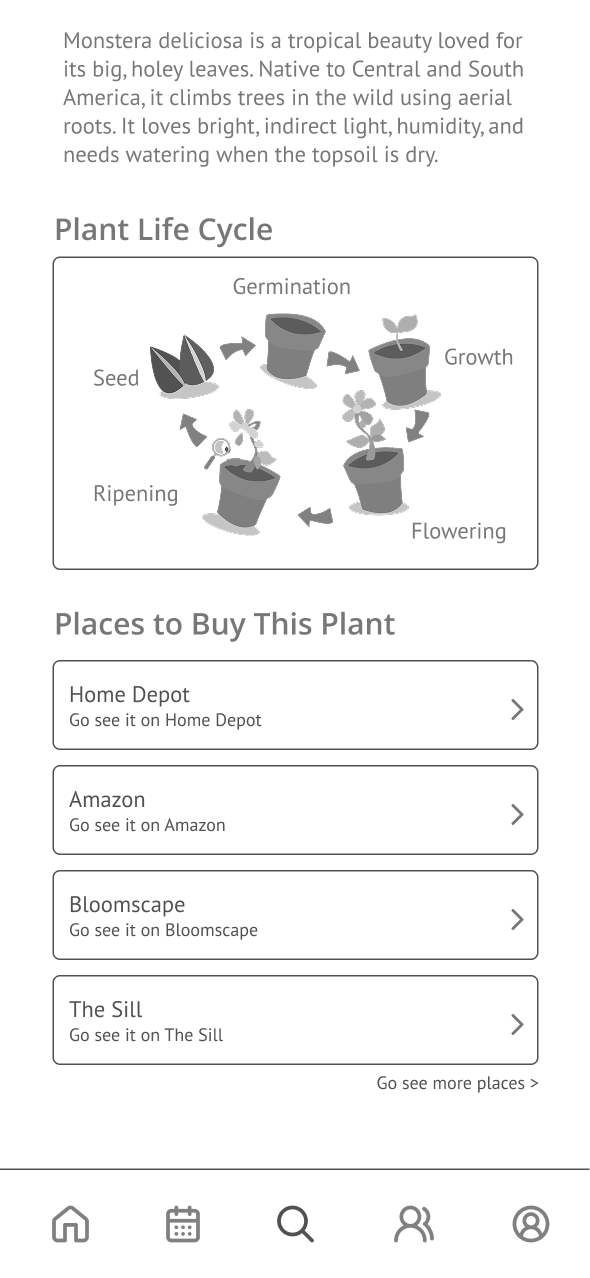
Quickly shows plant care level, size, and warnings at a glance, and provides detailed information about the plant—including a general overview, life cycle, quick care tips, and similar plants—so users can decide whether they want the plant.
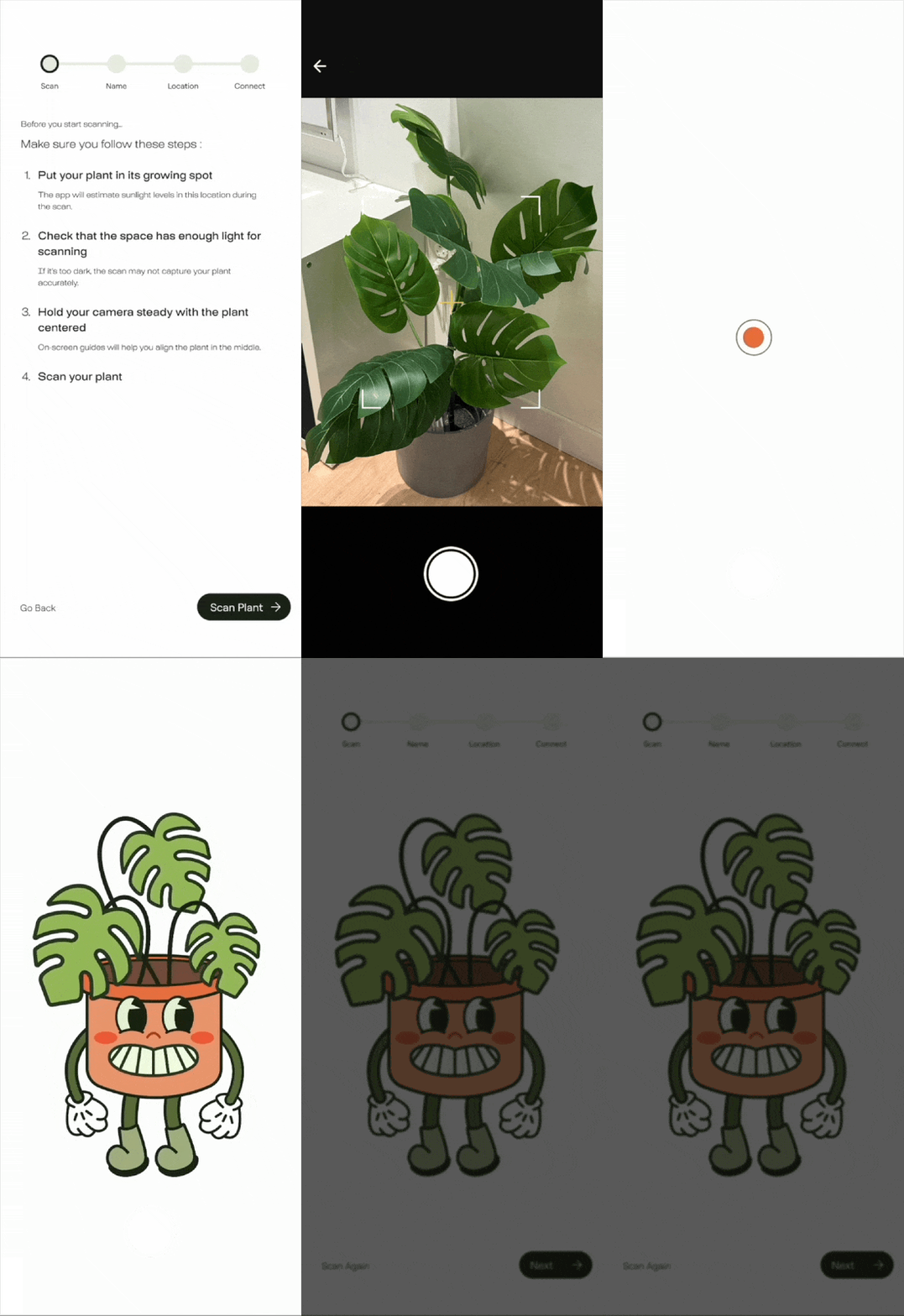
Add New Plant
Conveniently scans the plant in its positioned area to identify the exact species and life stage, estimate the available sunlight, and allow users to name their plant and connect it to a sensor stick that monitors real-time sunlight, soil health, and wind conditions.

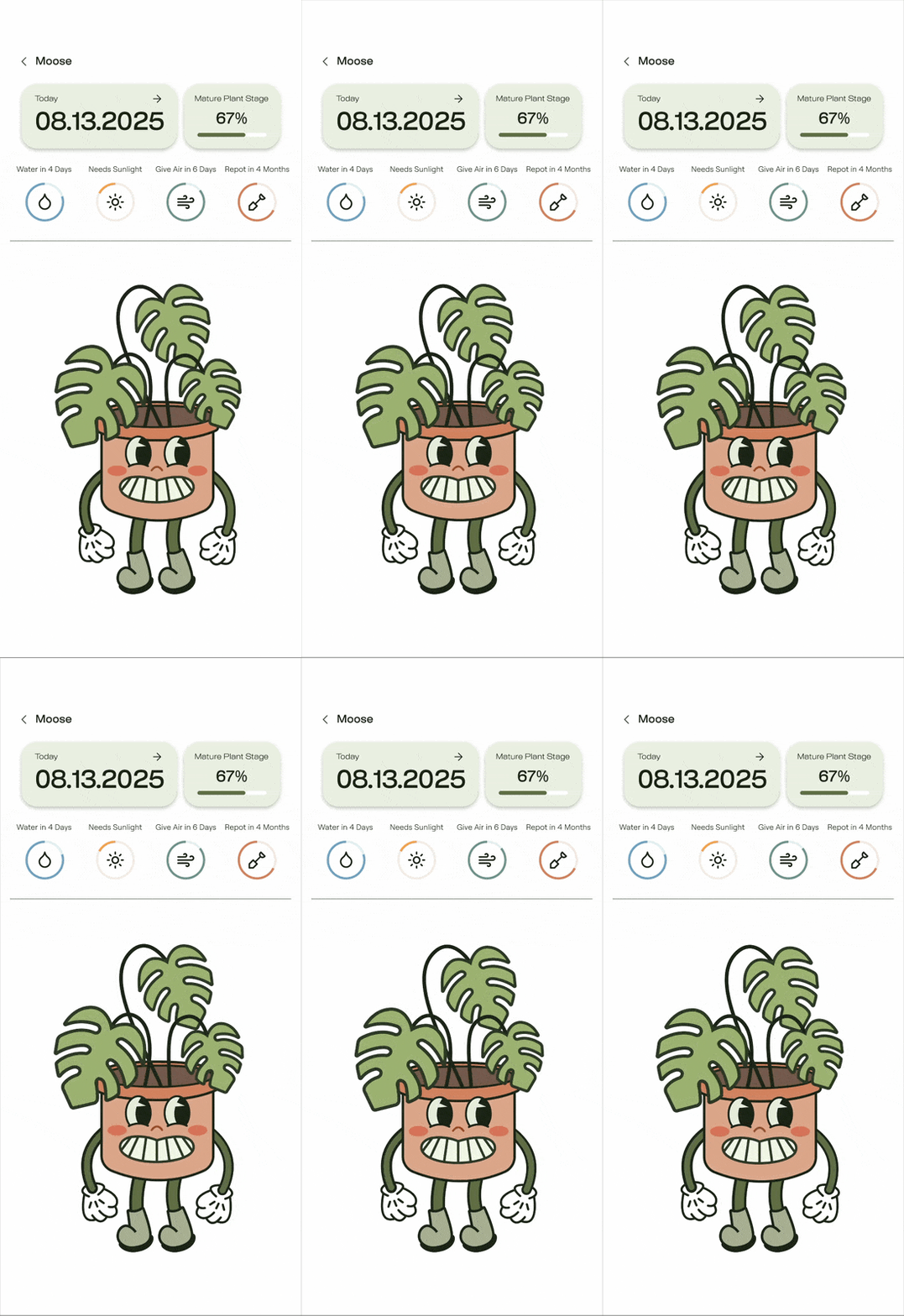
My Plants
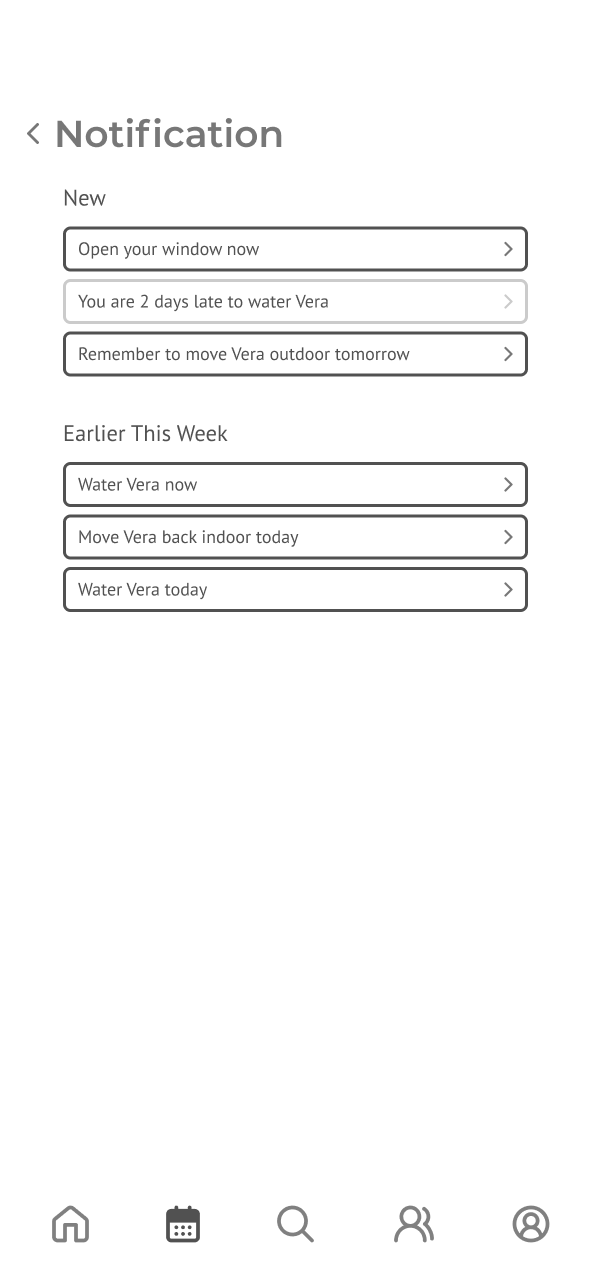
Effortlessly guides users to provide water, sunlight, airflow, and fresh soil as needed, and includes a calendar view that shows the users in advance when each type of care is required for each plant.
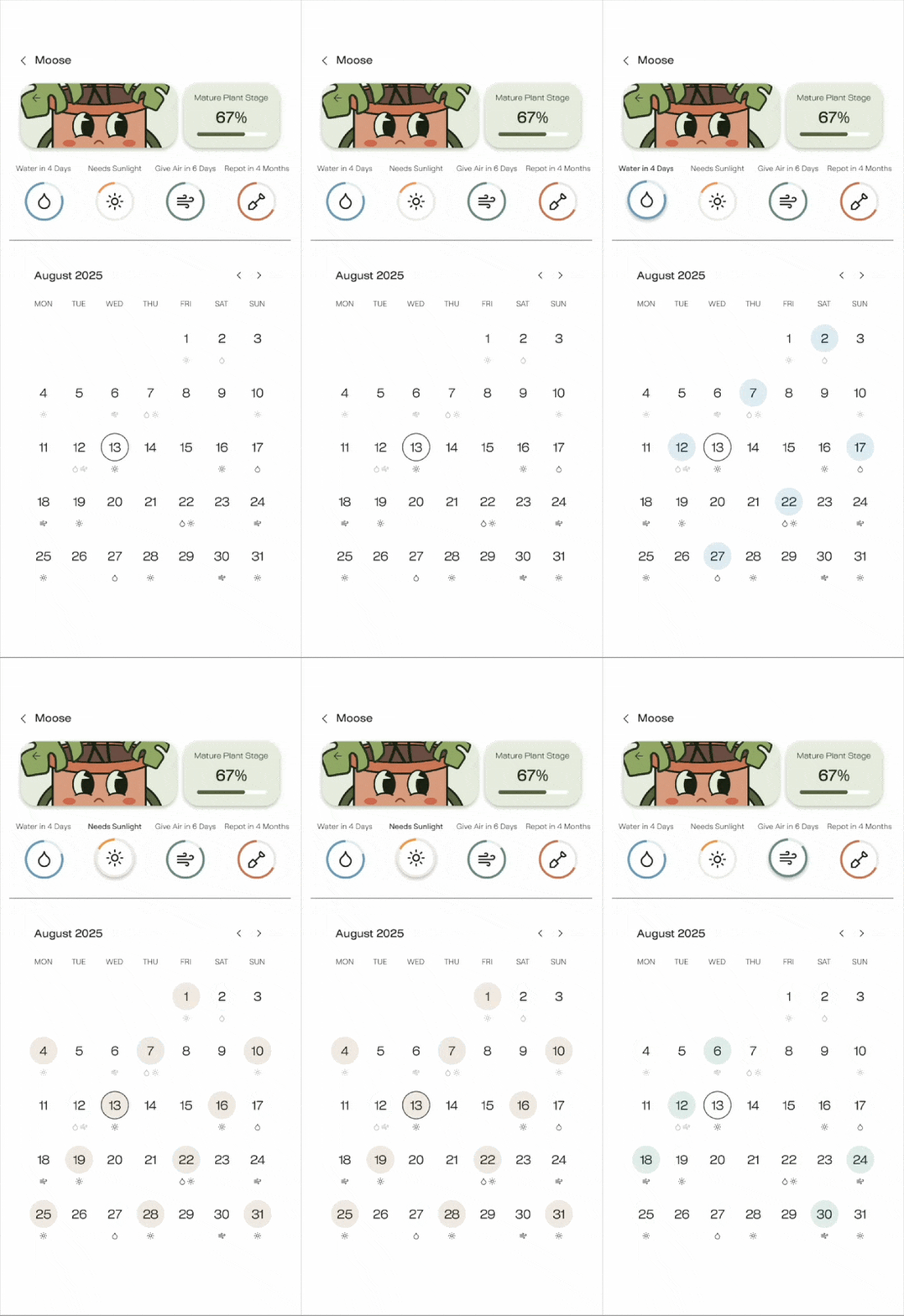
My Plants
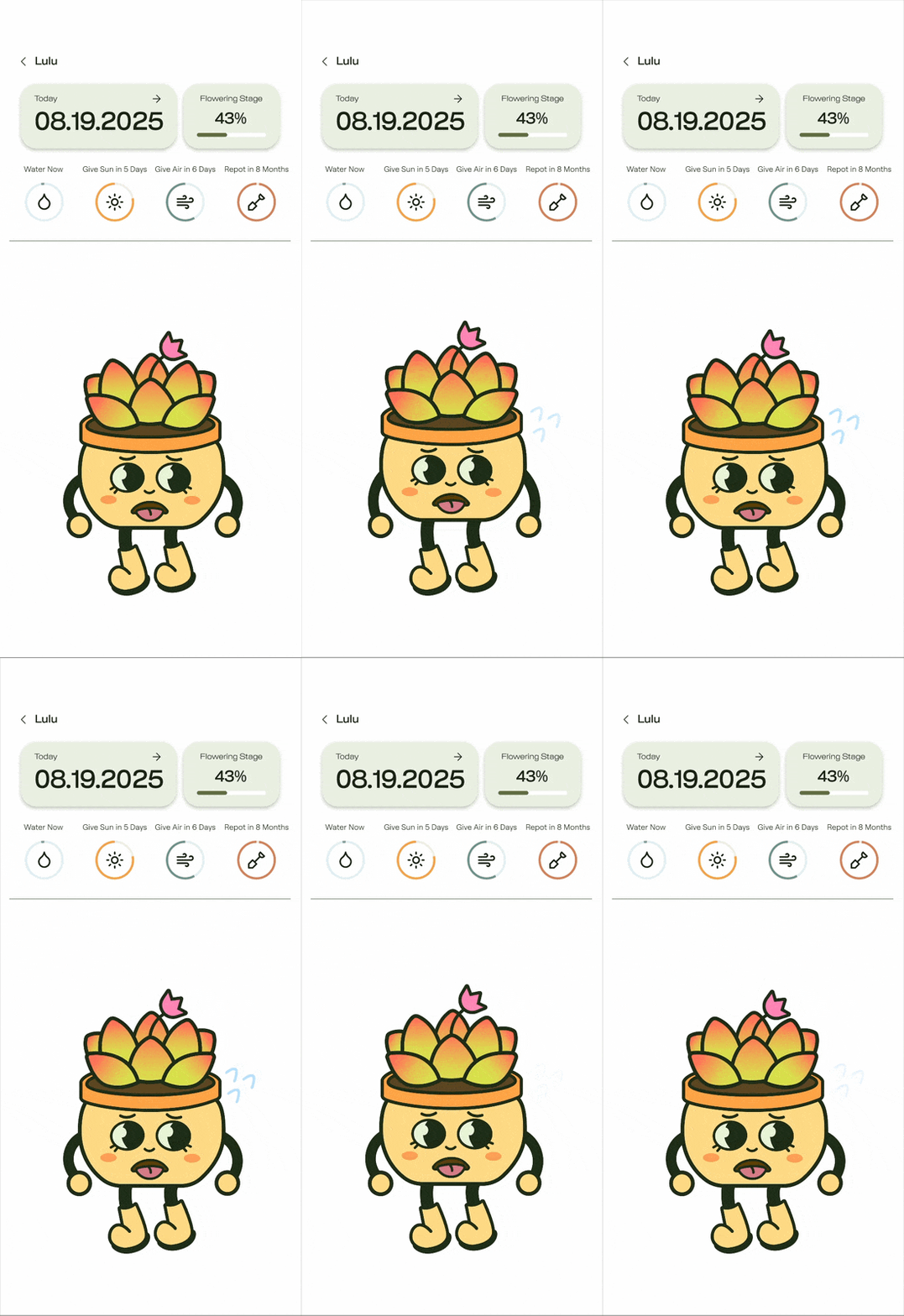
Visually represents the plant’s condition with animated characters, helping users understand the plant’s needs and provide the right care.
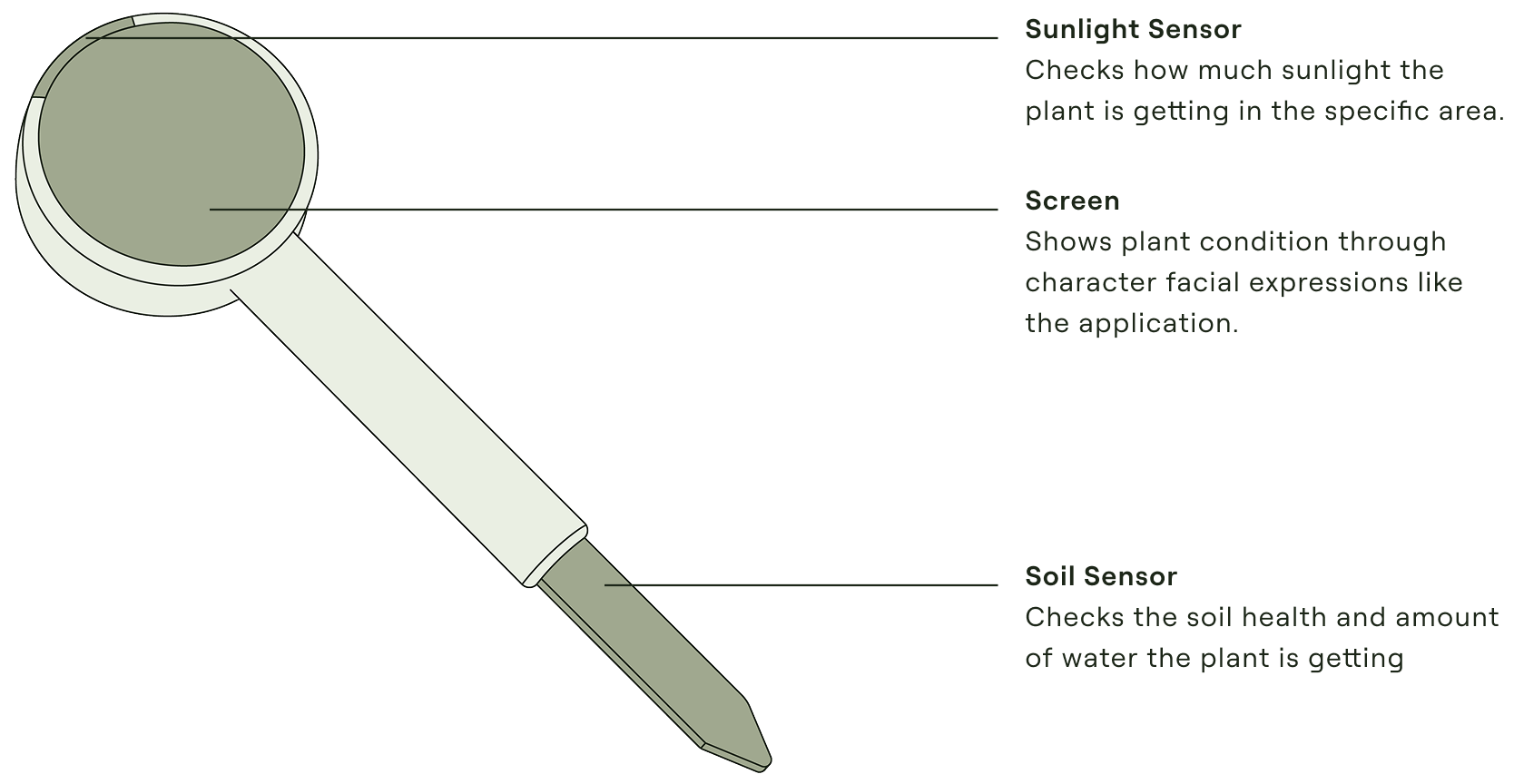
To support the connected system, I explored an early physical form for the sensor stick through quick sketches. While the interaction logic was defined within the app, the physical design remained conceptual, focusing on role, placement, and key components rather than final form details.




#EAEFE3

#ADB997

#606E45

#FFFFFF

#B9BCB1

#1C2618

#AFCEE1

#F3D590

#AFC6C2

#DDA68B

#E9C4BF

#B89B8E
Monsterra

Cactus
During the research phase of this project, I learned the importance of creating an intuitive and engaging plant care experience that helps users understand and truly connect with their plants. We achieved this by combining real-time data, visual feedback, and a playful design system, making care tasks both simplified and educational. Moving forward, I aim to further refine our UI to create an even more seamless and playful experience that better communicates plant health.

