Exploring Future Travel Planning Through Immersive AR for Airbnb
Scope & My Role
Team Project
UX Research
UI Design
Team Member
Yi Wang
Yuna Kim
Bryana Lee
Timeline
2025, 14 Weeks
Software Used
Figma
Rhinoceros 3D
KeyShot
Group travel planning used to be an exciting ritual. But as planning shifted onto digital platforms, the sense of togetherness began to fade into scattered chats and separate screens. Our team began to wonder, “What if technology could bring back that shared joy of decision-making?”
With this question, we saw opportunities to blend physical and digital touch points through immersive augmented reality, making group travel planning more interactive, connected, and human again. We decided to build upon the Airbnb experience and integrate travel planning stages into the platform, utilizing Airbnb’s location datasets to create an engaging spatial format that allows users to explore and understand travel data collaboratively in real time.
To understand the needs of multi-generational trip planners, we conducted interviews with three different generations from a family : a grandparent (age 66), a parent (age 43), a teenager (age 17).
These conversations helped reveal differences in tech comfort, engagement levels, and planning expectations across multiple age groups.
Tools & Interface Preferences
Prefer tangible, familiar tools like paper maps
Prefers tools that are efficient and functional
Prefers interactive and playful tools
Users across generations have different levels of digital comfort
Design needs a multi-modal interface that supports analog inputs like physical maps, and digital augmentations
Motivations & Emotional Needs
Seeks clarity, comfort, and simplicity
Wants a clear structure, efficiency, and fairness
Crave engagement, expression, and agency
Users are motivated by clarity, control, and emotional connection
Design should communicate clearly while allowing room for play and personalization—combining functional structure with emotional touchpoints
Level of Involvement in Planning
Feels excluded due to technical barriers
Overwhelmed by responsibility overload
Passive or disengaged due to uninviting formats
Current digital planning methods exclude or overload users
Design must support collaborative, balanced participation, making each person feel included
Openness to New Technology
Don’t want to use AR, but can participate with help
Willing to try if it is practical and simple
Enthusiastic about immersive, fun technology
AR is accepted if it is accessible and enhances shared experience
Design should use AR as a bridge—enabling generational cooperation rather than requiring equal technical skills
Using the insights from our interviews, we created three user personas that represent each generation in the family. These personas helped us more deeply understand how each age group feels about travel planning.
Mr.Kim 67
Pain Points
Feels overwhelmed and confused with trip apps
Often feels left out of planning conversations when digital
Needs
A simple way to engage in the planning stage
Visual, intuitive tools that don’t require tech fluency
Mina 42
Pain Points
Feels overwhelmed of taking responsibility of all the trip planning
Finds it hard to keep others involved
Needs
A way to share planning responsibility
A tool that makes it easier to receive input without constant follow-ups
Jisoo 15
Pain Points
Planning tools feel too adult or boring
Doesn’t feel included unless the format is visual and interactive
Needs
Engaging, fun, visual tools like AR
A way to express opinions easily without long discussions
With these personas, we mapped out their journeys to clearly see how their experiences compare and overlap, giving us a clearer view of what trip planning looks like across our users.
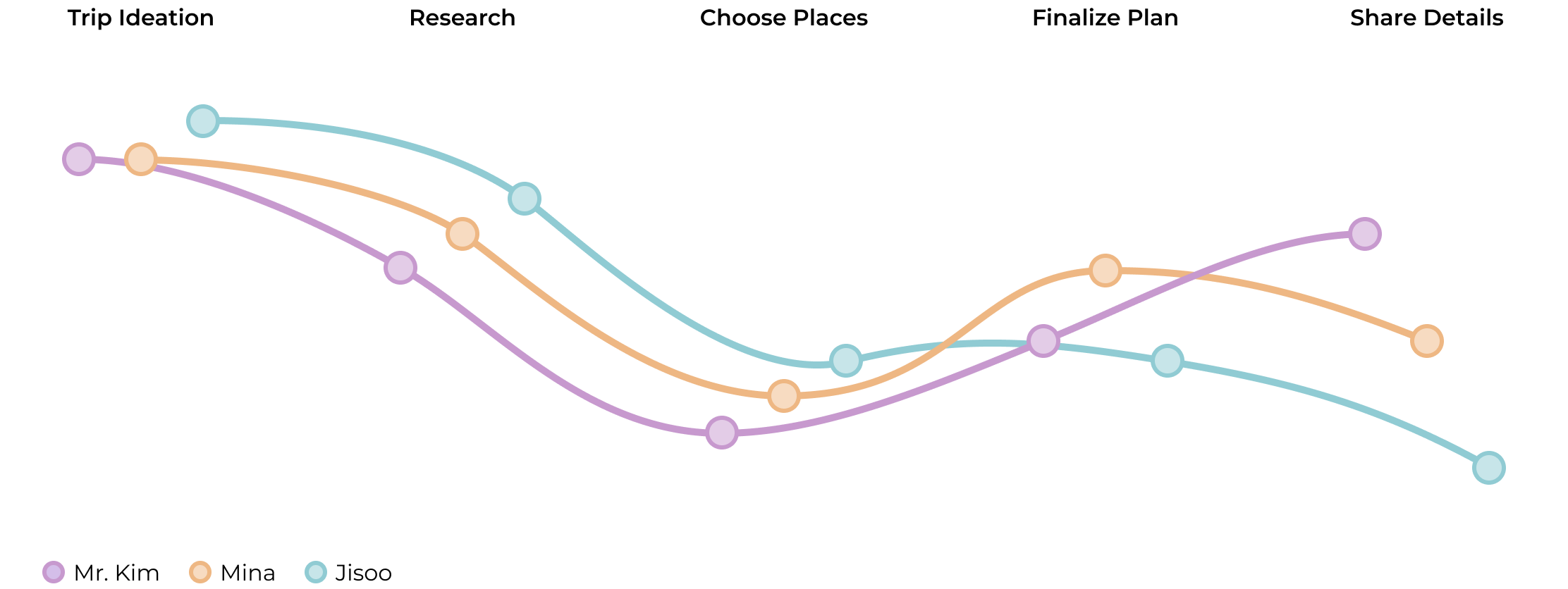
Early planning stages often lack inclusivity, leaving some family members unsure how to participate
All users rely on simple, tangible visuals to stay engaged and understand travel options
Research becomes overwhelming due to scattered tabs, maps, chats, and tools
Groups struggle to make decisions fairly, often resulting in one person carrying the responsibility
Communication gaps across platforms cause important details to get lost or repeated
Emotional experiences range widely—from excited and curious to overwhelmed, passive, or left out—depending on the clarity of the process
During our interviews, we learned that older generations often prefer analog tools because digital interfaces can feel overwhelming. This insight led us to explore how a physical map can support a more inclusive, multi-generational planning experience. Not only did our interview insights point to this, but several studies also show that physical maps provide a stable, full-view anchor that better supports spatial memory, orientation, and collaborative problem-solving than digital screens alone. Physical maps enable natural gestures—pointing, drawing, placing objects—that keep people engaged and make the experience feel more personal and memorable. By integrating the strengths of physical interaction with the precision of digital data, we aimed to create a planning process that feels intuitive, shared, and accessible to everyone at the table.
Before designing our new travel planning experience, we researched what AR glasses can do today and how the technology is advancing. We looked at future AR trends to imagine how AR could become more adaptive, intuitive, and seamlessly integrated into physical spaces — and to understand how our experience might evolve over time.
Current
Future
Spatial layout design starts to blend in with physical space
UI will always be present, but not invasive with spatial layout
Capable of basic hand gestures, eye & head tracking, and simple voice commands
Multimodal inputs like emerging AI assistance and context-aware UI will adapt to environments
Capable of inside-out tracking of surroundings for simple movements and gestures
UI may move by user behaviors or environmental cues from full-body positional tracking
Still has a limited field of view of 50-70 degrees or less
Field of view will extend with immersive overlays
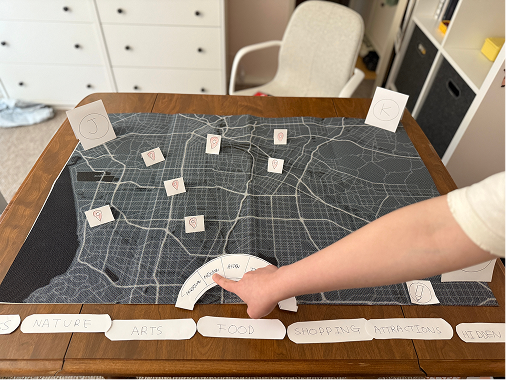
We started off by quickly exploring the structure of our AR travel-planning experience with low-fidelity paper prototypes, which allowed us to map out interactions, test layout ideas, and visualize how users may navigate between physical and digital touch points.
Explore Bookmarks
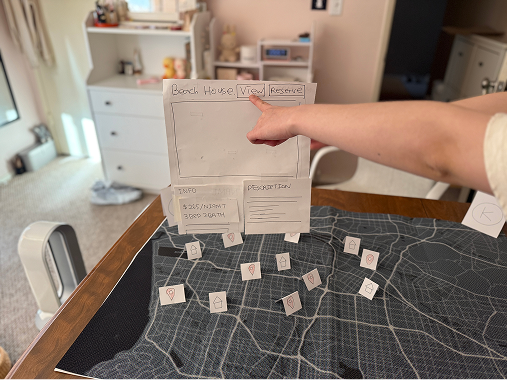
Reserve Airbnb
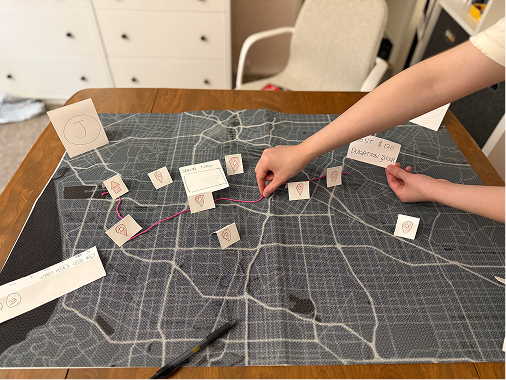
Plan Travel Route
After exploring with paper prototypes, we tested our paper prototypes with a few users to understand how they interpreted each step of the planning experience. Using these insights, we structured our screen flow to outline the key stages of the AR planning process.
Users struggled to understand the physical gestures and interactions during the bookmarking and planning stages
Users did not know where to start when exploring because they do not know anything about the area they are exploring
Older participants wanted fewer screens and clear instructions
Participants liked how the screen flow went from exploring bookmarks, reserving stays, and then planning route, which was the flow they were familiar with when planning for trips
System lacked a way of saving the travel route from this system to another platform for the users to view
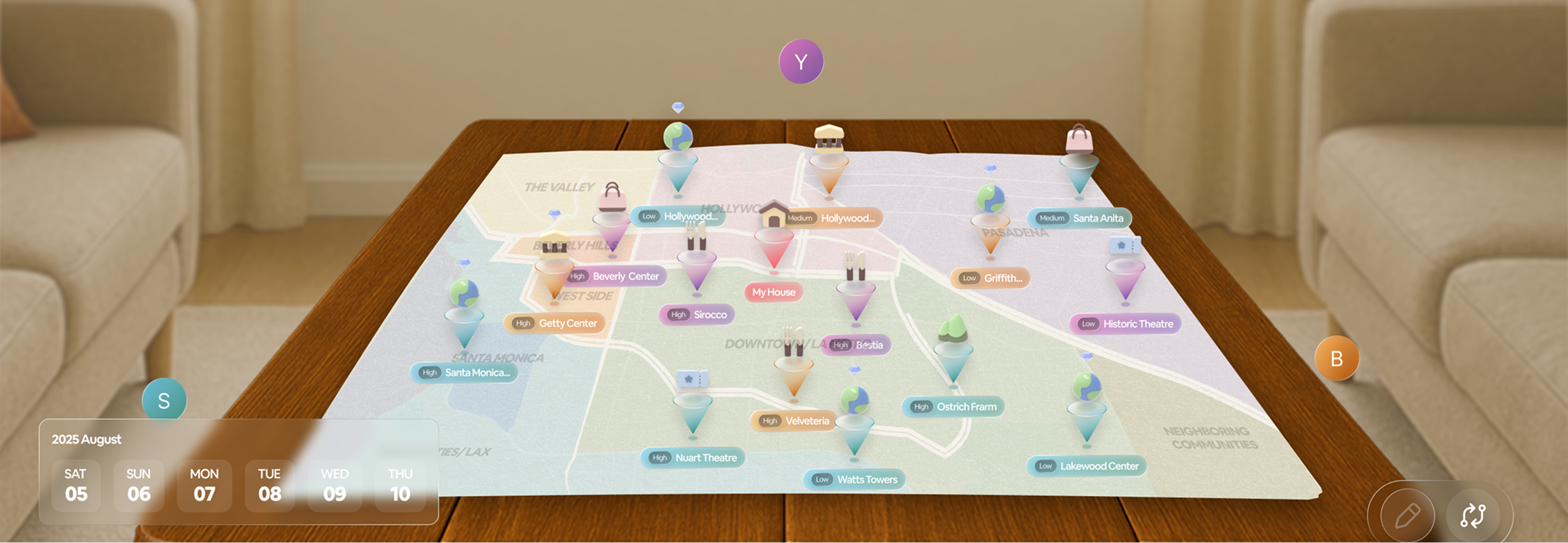
An immersive planning system that combines a physical map with an AR interface—allowing groups to explore destinations, compare options, visualize Airbnb location data, and move through each planning step together—to create a clear, collaborative, and accessible experience for multi-generational travelers.
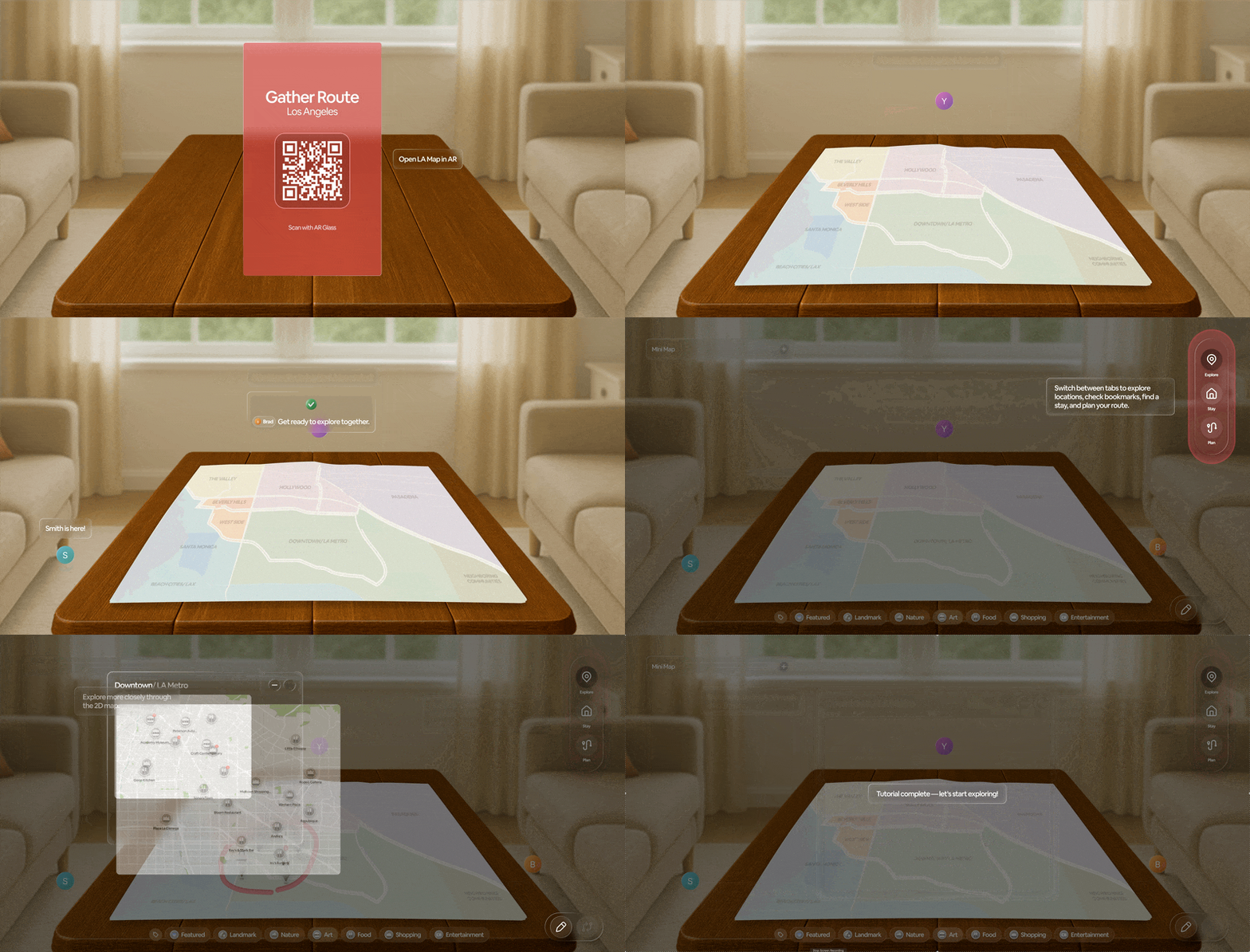
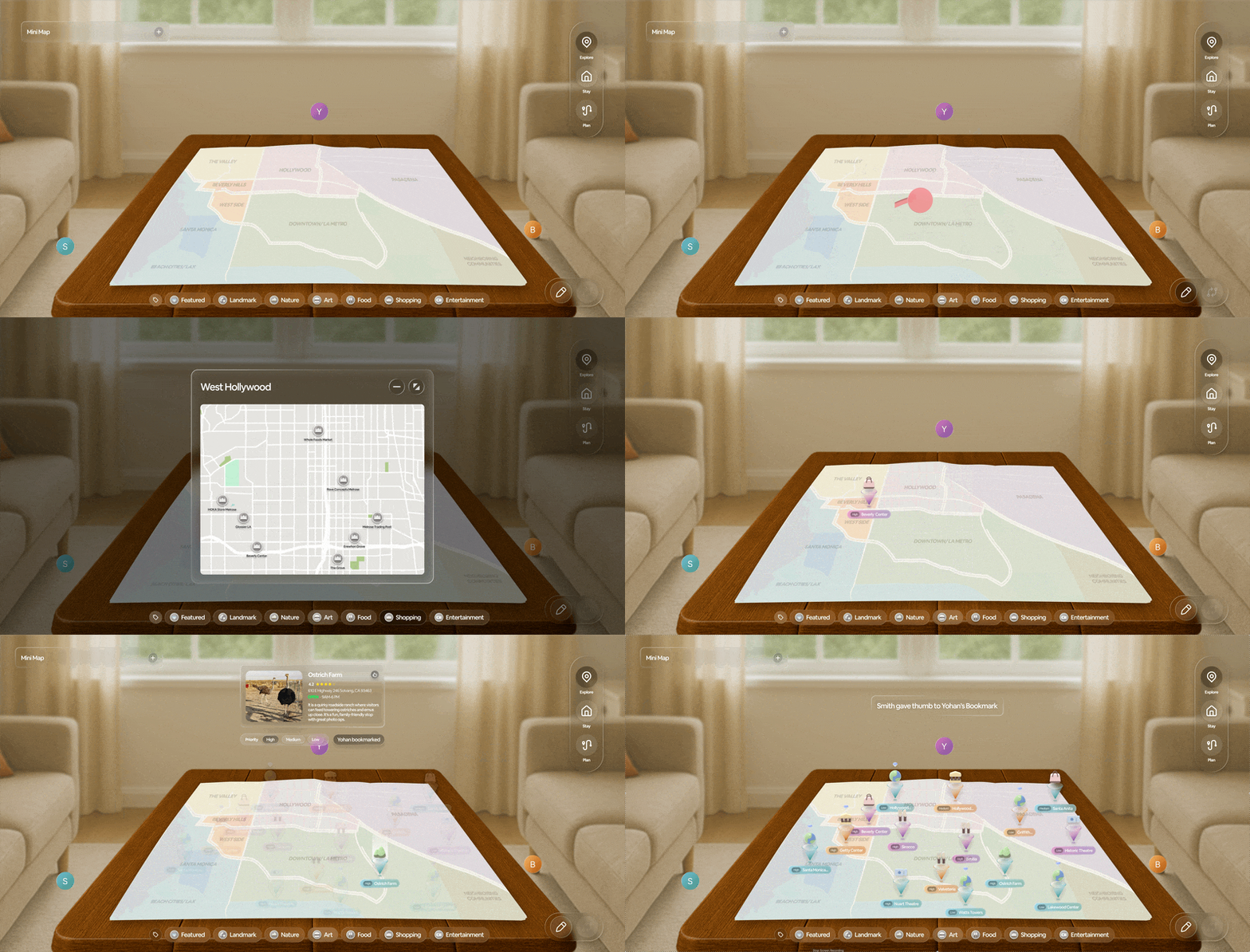
Scan Physical Map
Simply scan the QR code on the physical map to connect with the AR interface, enabling multiple users to join the travel-planning session.
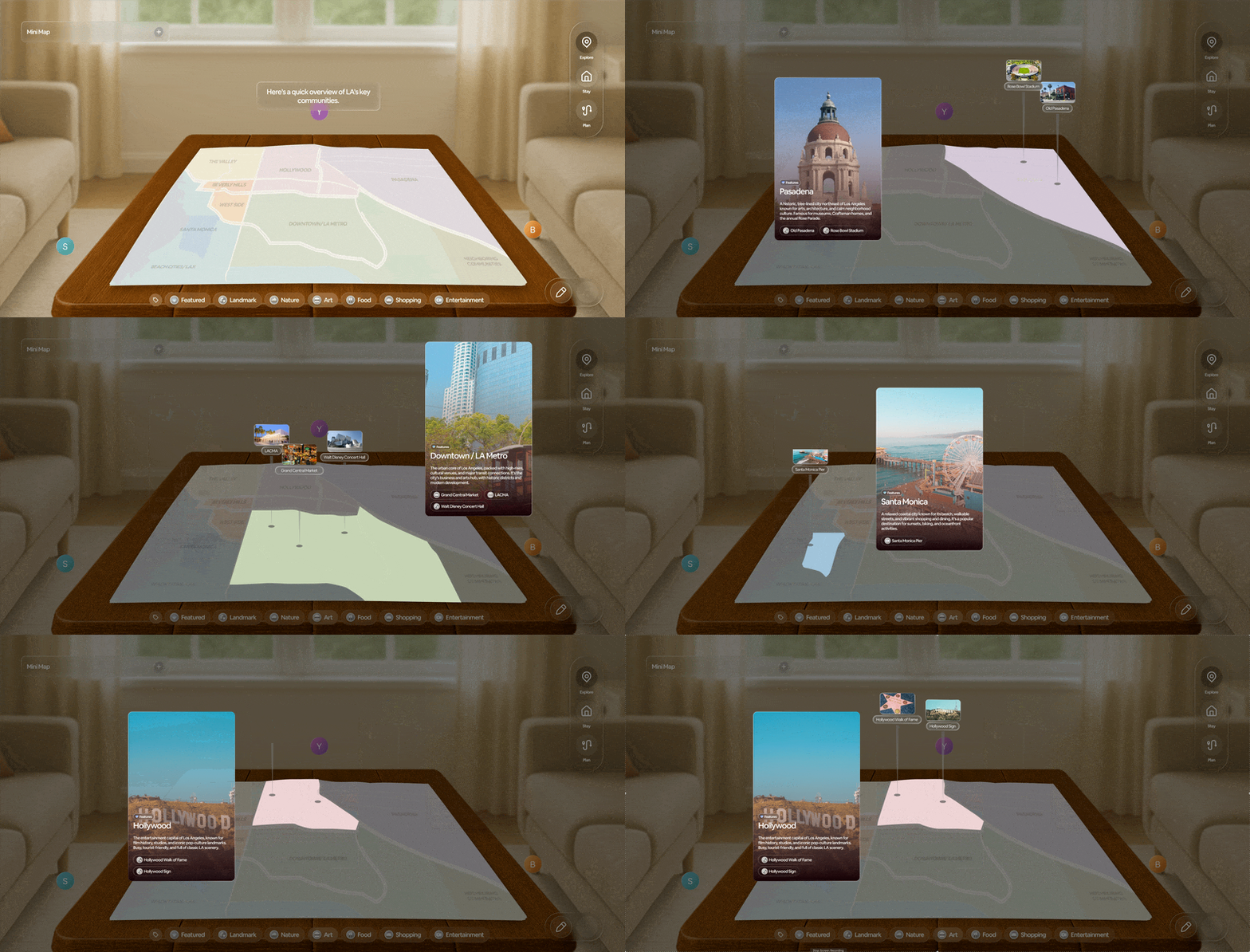
Explore Area
Quickly look through different areas within the city shown on the physical map, along with the system’s featured places to visit and key details that help users learn about each neighborhood.
Save Bookmarks
Collaboratively add places each with priority preferences into a shared list, giving every group member a voice in what matters and making it easier to compare options and make informed decisions together.
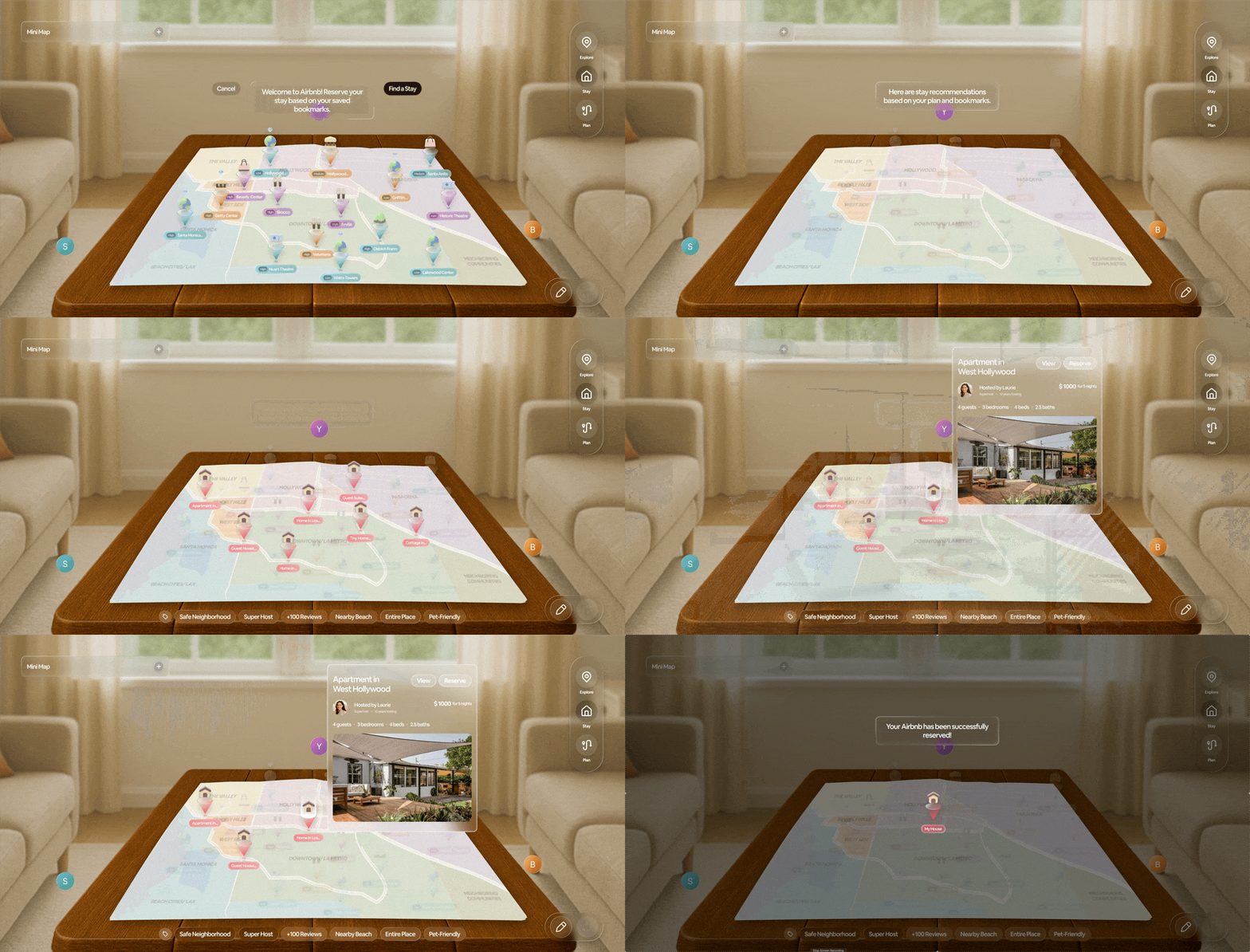
Reserve Stay
Easily review Airbnb stay options with details—including pricing, amenities, and an immersive AR view of the space—to help the group understand each stay more clearly and choose one that fits their needs.
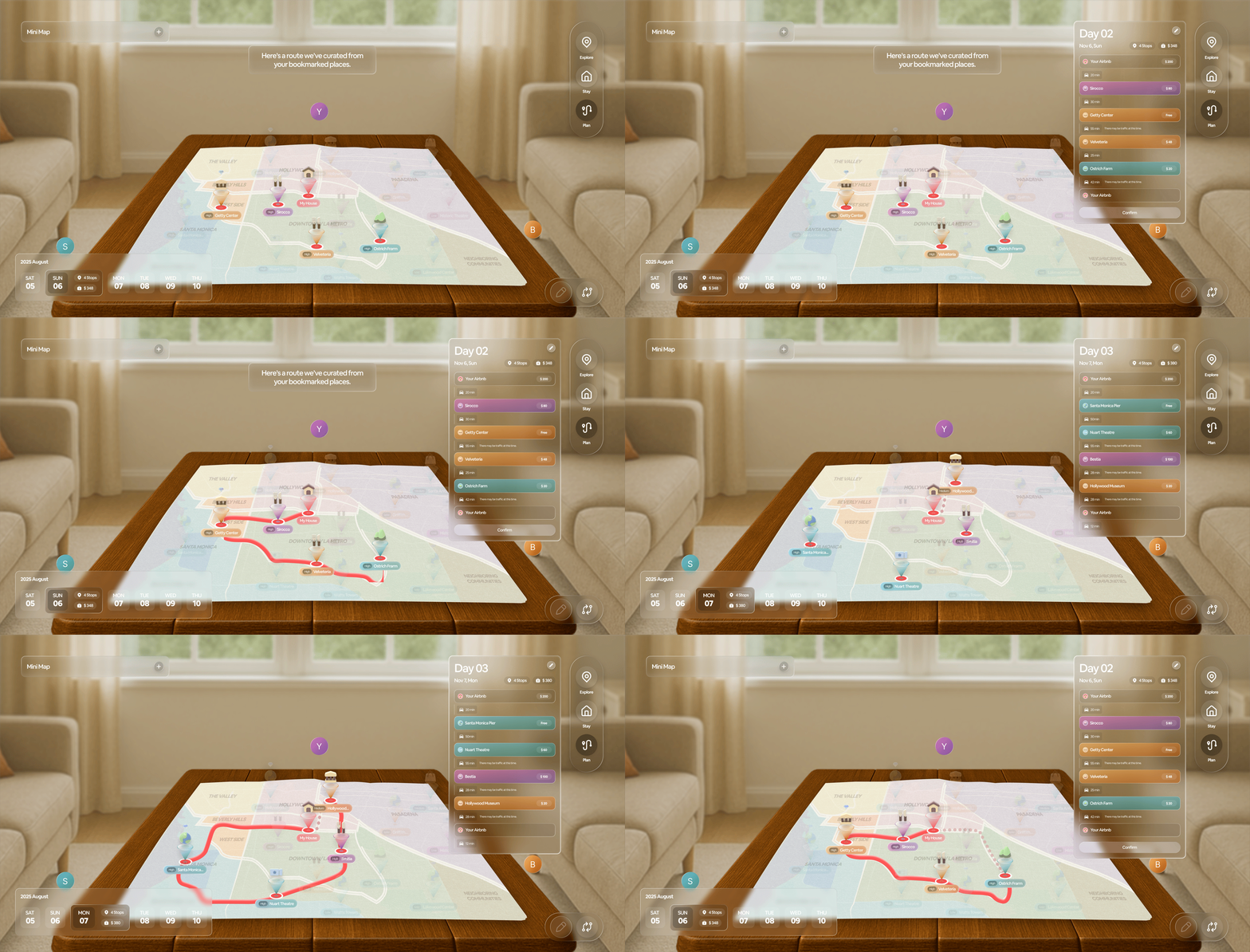
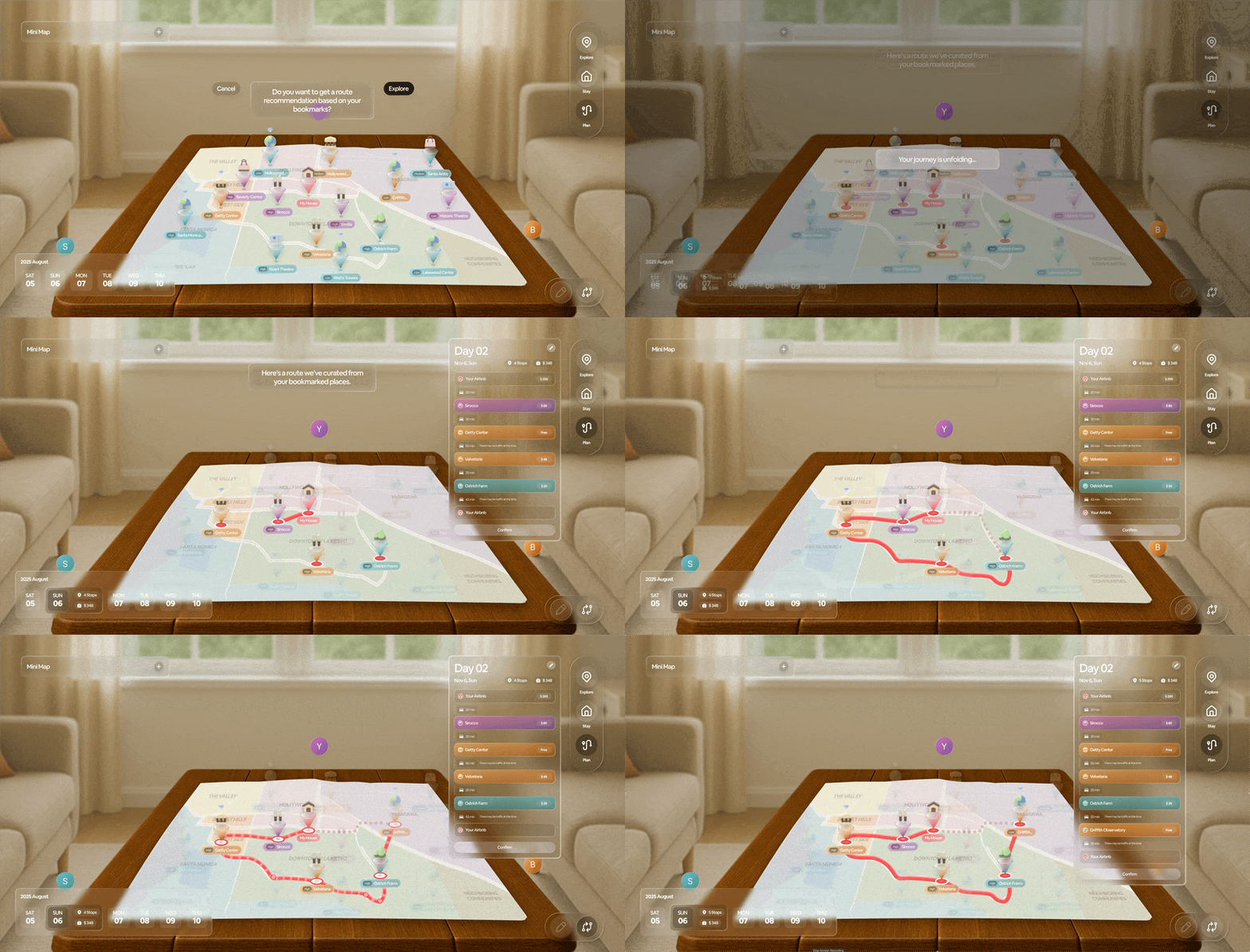
Plan Trip Route
Collectively build a detailed travel path by arranging activities, stays, and points of interest, gaining a clear understanding of how each stop fits into the group’s overall trip sequence and daily flow.
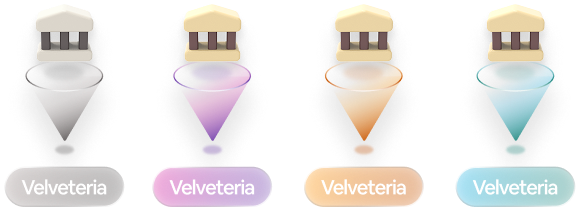
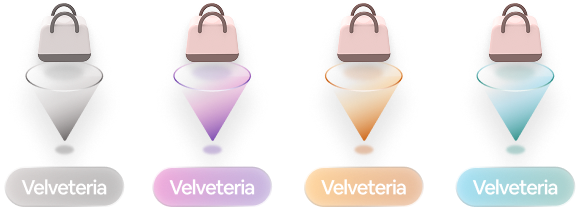
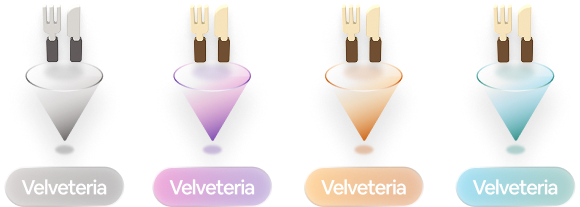
To make bookmarked places easy to understand at a glance, we visualized key details—such as location name, category, user color, and priority preference—in a clean, structured layout. We focused on making each 3D category icon visually connect with the corresponding 2D icon for users to make a clear connection between the pins both on the mini map and the physical map.
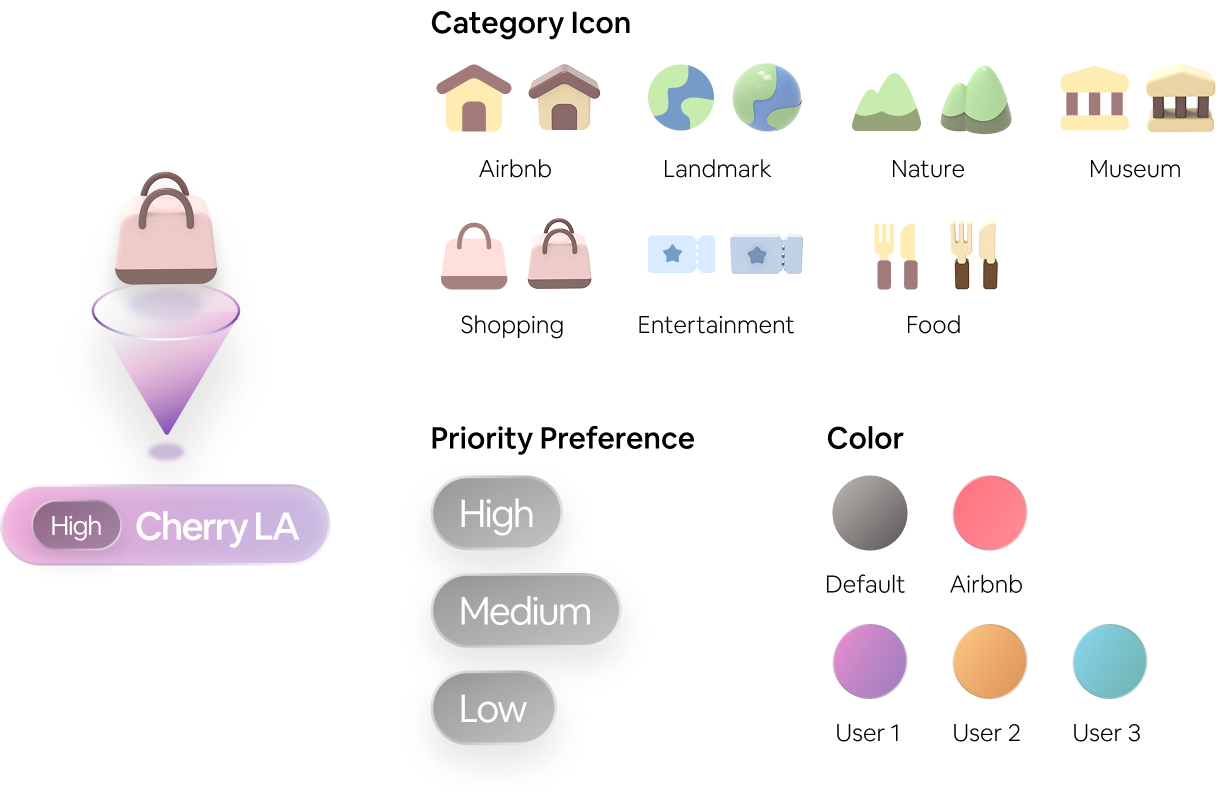
State Variations

Default 2D

Featured Default 2D

Saved 2D

Featured Saved 2D
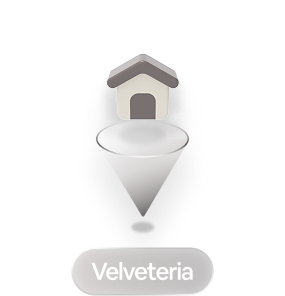
Default 3D
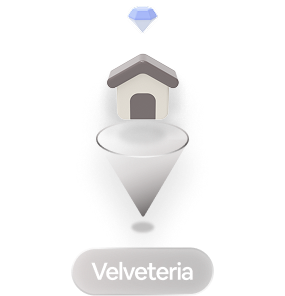
Featured Default 3D
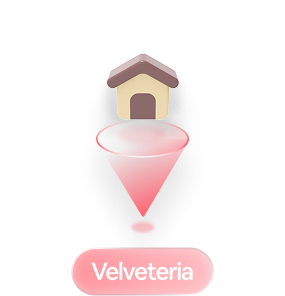
Saved 3D
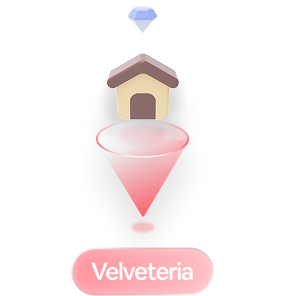
Featured Saved 3D

Selected Default 2D

Selected Saved 2D
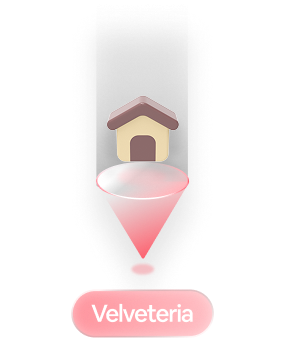
Selected 3D
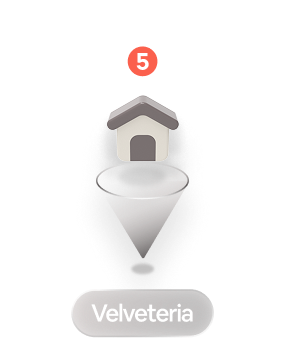
Clustered
2D Pins
Landmark

Nature

Museum

Shopping

Entertainment

Food

3D Pins
Landmark
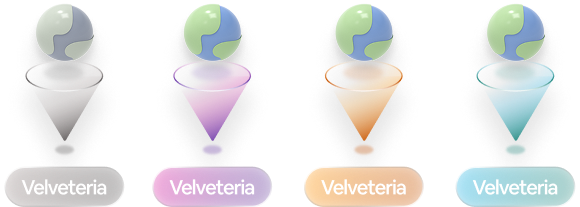
Nature
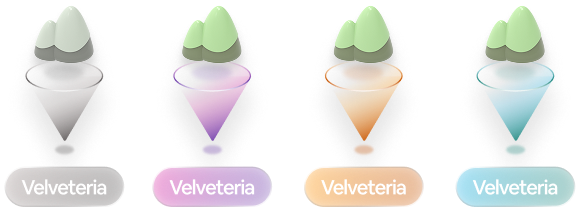
Museum
Shopping
Entertainment

Food
This project showed us how powerful it can be to bring people together through a mix of physical and digital tools. Working with users from different generations helped us understand how easily some people can feel left out of planning when everything happens on screens. By exploring physical maps, AR features, and simple visual cues, we learned how a hybrid system can make the process feel more inclusive and engaging for everyone. Most importantly, this project reminded us that good design isn’t just about new technology—it’s about creating experiences that help people connect, understand each other, and make decisions together more comfortably.

